Smartsheet Grant Deadline Template: Setup, Reminders and Limits
How to set up a Smartsheet grant deadline template: one row per deadline, internal and funder dates, date reminders, locked award columns and dated Pro and Business plan limits.

In this article (9)
- Quick Answer: How Do You Set Up Grant Deadlines in Smartsheet?
- How the Smartsheet Import Path Shapes the Template
- Columns in the Smartsheet Grant Tracking Template
- Smartsheet Grant Deadline Template: Reminders, Alerts and Requests
- Row Locking, Cell History and the Activity Log
- Instrumentl for Research, Smartsheet for Grant Tracking Only
- Smartsheet as Nonprofit Grant Tracking Software: Plans and Limits
- FAQ
- Import the Sheet, Then Set the Reminders
A Smartsheet grant deadline template is a grant tracking sheet that lists every application, report and other deliverable your team owes, one row per dated item, with an owner and a due date on each row. Laid out that way, Smartsheet's date reminders do the chasing that a plain workbook leaves to whoever happens to open the file, and locks keep the award details from drifting.
The import is where a sheet built in Excel first can lose its structure. Smartsheet brings in only the first tab of an Excel workbook and does not keep formulas (Smartsheet Learning Center, Import file data to new sheets, September 2026), so the free template puts everything that has to survive the move on one plain tab and keeps its setup notes on tabs that stay behind in Excel.
Quick Answer: How Do You Set Up Grant Deadlines in Smartsheet?
A Smartsheet grant deadline template gives every application and report its own row with three date columns (draft due, review due, funder due), and each date gets a reminder set after import. Reminders are on every Smartsheet plan, and Pro starts at $9 per member per month billed annually, for up to 10 members (Smartsheet, September 2026).
Free download: Grant tracking sheet template (Smartsheet-importable) as Excel .xlsx. No email address required.
Tracking these dates? GrantCue reminds you before each deadline and report you add. Track deadlines free
How the Smartsheet Import Path Shapes the Template
The import decides the layout: the sheet you want in Smartsheet has to be the workbook's first tab, and it has to hold typed values, not formulas. Smartsheet imports Excel (XLS, XLSX and CSV) and Google Sheets files up to a "50 MB maximum file size limit," but "Only an Excel workbook's first (left-most) worksheet tab gets imported," "Formulas aren't preserved," and merged cells and data-validation drop-down lists are excluded (Smartsheet Learning Center, Import file data to new sheets, September 2026).
Each of those rules maps to a choice in the download.
The two reference tabs carry what the import leaves behind. The Column Guide gives each column's purpose, the format to type and the allowed values, and the Setup Checklist lists the steps after import in order: check the columns, apply the locks, add the reminders, then share the sheet. A team that plans to stay in Excel or Google Sheets can use the grant tracking spreadsheet template instead, which skips the import rules.
Size limits leave plenty of room. A Smartsheet sheet can hold 20,000 rows, 400 columns and 500,000 cells, with 4,000 characters in a cell, so "a sheet with 20,000 rows can only have 25 or fewer columns" (Smartsheet Help, System requirements and guidelines, September 2026). The template uses 18 columns, inside that 25-column line.
Columns in the Smartsheet Grant Tracking Template
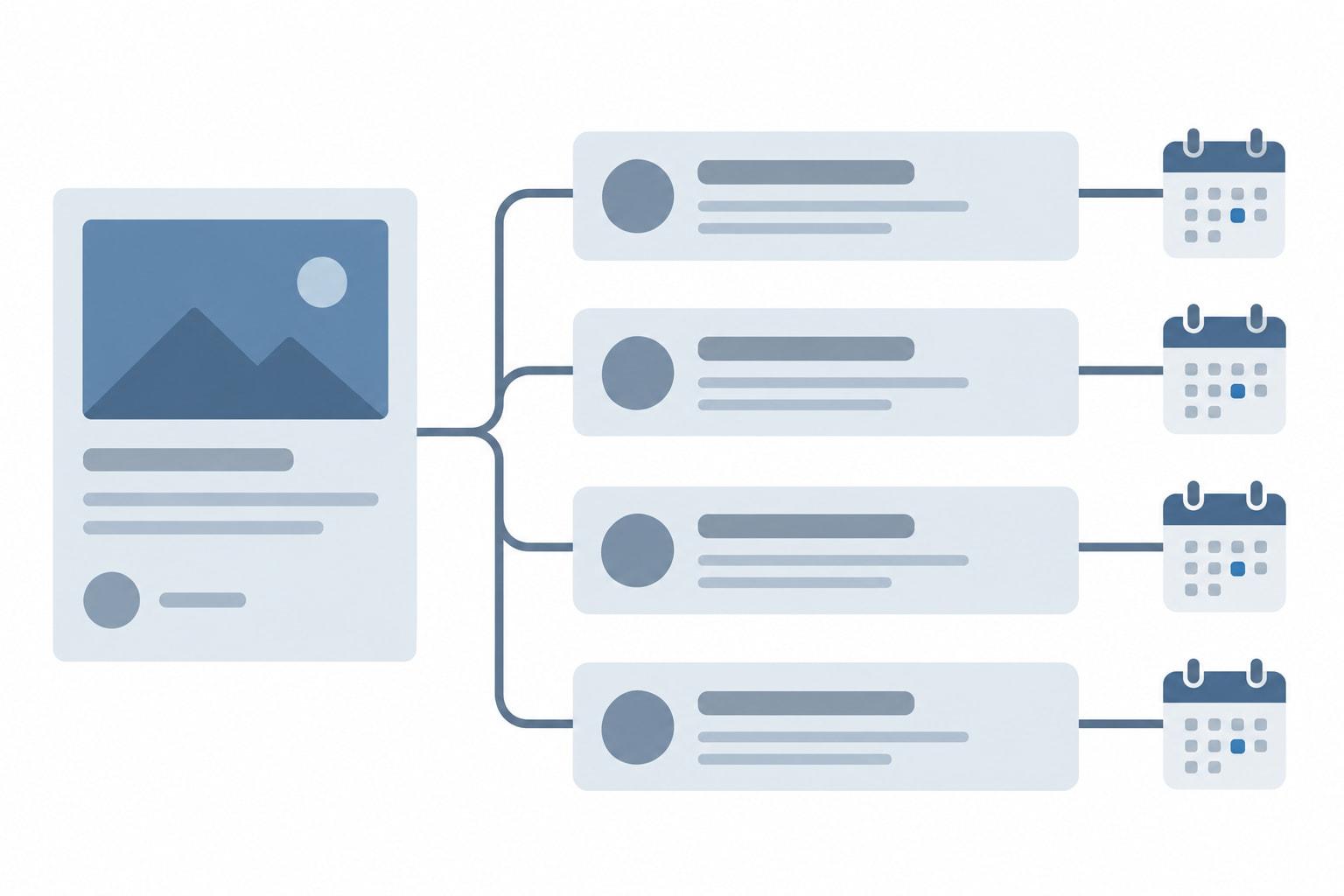
The template gives every dated obligation its own row, because Smartsheet reminders "are proactively triggered by a specific date or time" (Smartsheet Learning Center, Alerts and reminders, September 2026), and a row that carries one deliverable's dates is the easiest thing to set reminders on. One award becomes several rows, one for the application and one for each report, tied together by a shared Grant ID.
The Grant stage column reuses the "six pipeline stages: prospects, active, submitted, awarded, funded, and closed" from Smartsheet's own pipeline template (Smartsheet, Free Grant Tracking and Grant Management Templates, June 26, 2024), so a team that also uses that template keeps one vocabulary. A declined application moves to closed with a line in Notes.
Internal dates get columns of their own. One grant writer described the gap as "all the invisible mini-deadlines before it that nobody tracks," meaning the steps before a funder's final deadline (Reddit thread 1szdg4j, read September 2026). The template carries two internal dates per row, Draft due and Review due; add a Budget due column if your finance lead works to a separate date. The grant deadline tracker guide covers which dates to track in any tool.
For federal report rows, the regulation caps the funder's date: financial reports are due no later than 30 calendar days after a quarterly or semiannual reporting period and 90 after an annual one, and a recipient's final report no later than 120 calendar days after the period of performance ends, or 90 for a subrecipient reporting to its pass-through entity (2 CFR 200.328(c)-(d), eCFR, current as of September 2026). Performance reports carry the same due dates (2 CFR 200.329(c)(1), eCFR, current as of September 2026). What goes into each report is covered in our guide to grant reporting requirements.
The download's three sample rows show one composite award laid out this way. Delete them once your own grants are in.
Illustrative figures, not data from a real organization.
Smartsheet Grant Deadline Template: Reminders, Alerts and Requests
A Smartsheet grant deadline template works once its date columns carry reminders, and reminders are set inside Smartsheet after the import. Every Smartsheet plan lists "Reminders," "Alerts and notifications," "Update requests" and "Approval requests" (Smartsheet pricing page, September 2026).
Three documented details decide the setup. Reminders "are proactively triggered by a specific date or time," they can go to recipients "even if the recipient is not shared to your sheet," and "The trigger's time zone is always the same as the sheet Owner's time zone" (Smartsheet Learning Center, Alerts and reminders, September 2026).
The two internal dates are the early warnings, and the funder-due reminder is the last call; together they act as the sheet's due-soon flag, because the two internal reminders land before the funder's date does. A reminder triggered by a date reaches its recipient whether or not anyone opens the sheet. That closes the usual gap in a spreadsheet, where a reminder reaches only the person who opens the file.
Mind the clock. Because the trigger follows the sheet Owner's time zone, a reminder set for 9 a.m. on a sheet owned by someone on Eastern time reaches a reviewer on Pacific time at 6 a.m. Set reminder times with that gap in mind, or make the sheet Owner someone in the time zone where most of your funders' deadlines fall.
Update requests and approval requests fit report rows that need someone else's input first: a program manager's numbers before the draft, or a director's sign-off before the funder due date.
The reminder only works if the person reads it. The guide to deadline reminder emails people actually read covers the wording and timing, and a shared grant calendar puts the same dates where people already plan their week.
Row Locking, Cell History and the Activity Log
A change record shows who changed a grant's dates, amounts or status, and when. Smartsheet's share of that job sits in three features its pricing page lists: row and column locking and "Cell history" on every plan, and "Activity log" from the Business plan up (Smartsheet pricing page, September 2026).
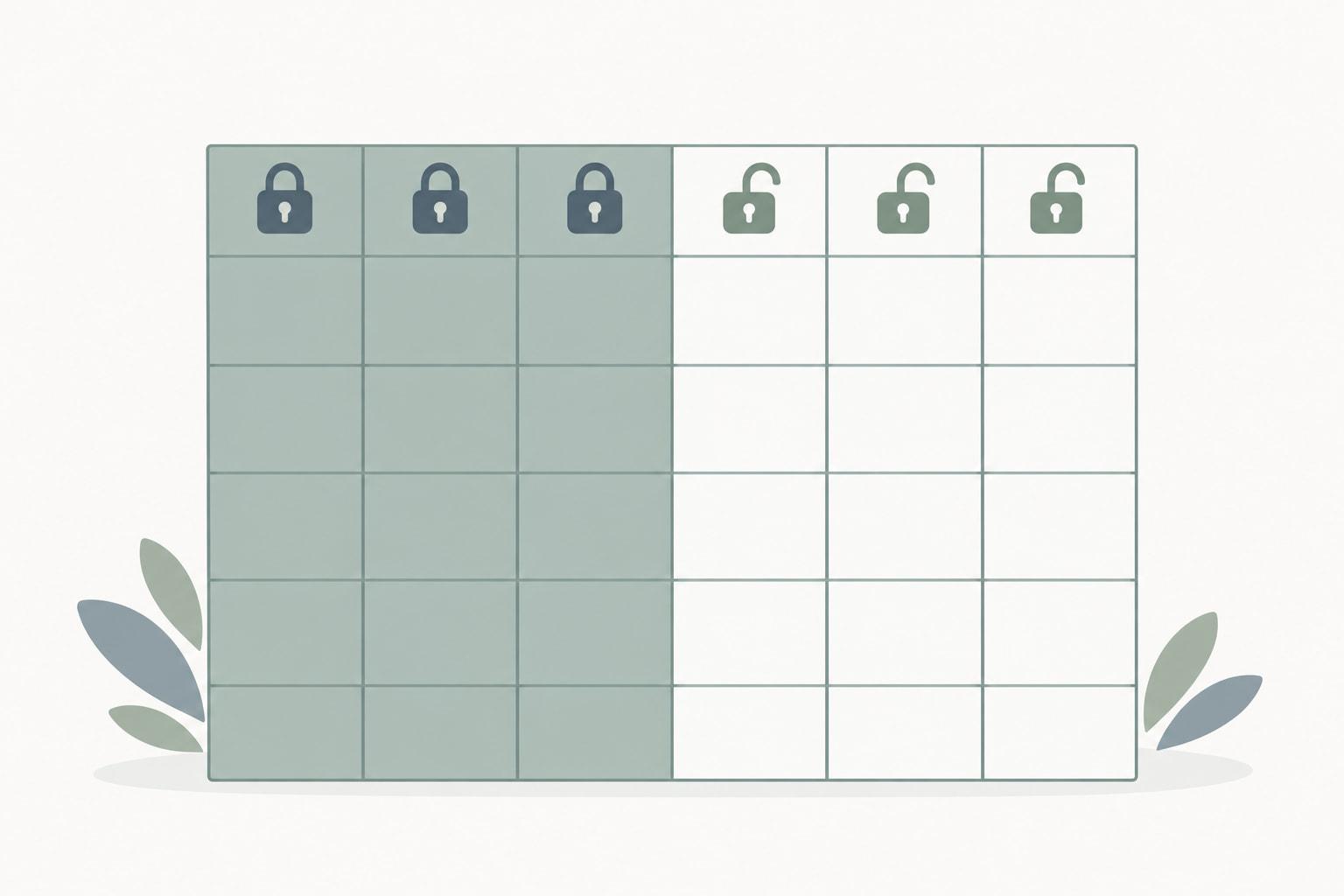
Locks come first, because they limit who can change a value at all. "Users shared to the sheet with Editor permissions can't edit data contained in cells in locked rows or columns," only sheet Admins and Owners can, and "Locking a column doesn't prevent someone with Editor-sharing permissions from deleting or moving rows" (Smartsheet Help, locking columns and rows, September 2026). A lock covers a whole column or a whole row, so the values in a locked column are entered by an Admin.
Treat a lock as a guard against accidental edits, not as security, and remember the documented gap: an Editor can still delete or move a row. Keep Admin rights with the one or two people who maintain the sheet, since Admins can edit locked cells, and have them write the reason and date in Notes whenever they change a locked value, such as a funder-approved extension. Award values come from the award letter, and the checklist for the first weeks of a new award covers award setup.
One commenter recommended Smartsheet templates for this reason: "You can lock the sheet except for whatever fields you want people to be able to sort by" (Reddit thread 1qx3lpf, read September 2026).
History depends on the plan. If the people who will ask who moved a report date include an auditor or a funder, weigh the Business plan's activity log before settling on Pro, which lists cell history but not the activity log (Smartsheet pricing page, September 2026).
Instrumentl for Research, Smartsheet for Grant Tracking Only
Teams that find grants in a research database and track them in Smartsheet move the data by file. Instrumentl says "All of the exports are available for download as .csv files, allowing you to easily save your data as an Excel spreadsheet (.xlsx) or upload it to Google Sheets" (Instrumentl Help Center, Export your data with reports, September 2026), and Smartsheet's import accepts XLS, XLSX and CSV files (Smartsheet Learning Center, Import file data to new sheets, September 2026).
The split shows up in practitioner threads. Finding grants in a paid platform and tracking them in a separate spreadsheet came up as a workaround in one Reddit thread, where a commenter who tried a paid grant platform said "Their tool felt like yet another thing I'd have to log into to get to my work" (Reddit thread 1wiivcd, read October 2026).
Do the merge in Excel, before the first import. Paste the fields you need from the export into the template's first tab under the matching columns, add a Grant ID and an owner to every row, and import once. After that, add new prospects in Smartsheet directly, so the sheet stays the only copy anyone updates. A Candid export to Excel goes into the template the same way.
The reverse route is manual too. If Instrumentl is to be the tracker instead, its spreadsheet import starts from a downloadable template, and "these grant imports are done manually by one of our Grant Import team members and are not automatic" (Instrumentl Help Center, Import your grant records to the Tracker, September 2026).
Smartsheet as Nonprofit Grant Tracking Software: Plans and Limits
Smartsheet charges by the member: Pro starts at $9 and Business at $19 per member per month, "both billed annually," and "Monthly billing is also available at higher per-member rates" (Smartsheet FAQs, April 20, 2026). TechRepublic lists those monthly rates as $12.00 for Pro and $24.00 for Business per user per month (TechRepublic, June 19, 2026).
Annual prices from Smartsheet FAQs (April 20, 2026); monthly prices from TechRepublic (June 19, 2026); members, automations and activity log from the Smartsheet pricing page (September 2026).
People who only read the sheet cost nothing extra: "Viewer access is free across paid plans, while free guest access is available on Business and Enterprise plans" (Smartsheet FAQs, April 20, 2026). "The Pro plan is only available to new customers" (Smartsheet pricing page, September 2026). For nonprofits, Smartsheet's FY2025 Impact Report says "we provided $1.5 million in subscription discounts to nonprofit customers" (Smartsheet FY2025 Impact Report, read September 2026), so ask about eligibility before paying list price.
Watch for the points where this setup stops coping. Pro caps the team at 10 members and lists 1 sheet per report, so a Pro team keeps every grant in one sheet (Smartsheet pricing page, September 2026). The sheet also records only amounts requested and awarded, not spending, which belongs in a ledger of grant expenditures or your accounting system. The grants lifecycle management guide shows where a deadline sheet fits among the other stages of an award, from setup to closeout.
GrantCue, which publishes this guide, sells a grant tool that covers the same deadline job. Its Free plan, for 1 user and up to 10 grants tracked at once, includes reminders, daily or weekly digests, a calendar feed and an activity log, and the Organization plan, listed at $229 a month, takes up to 20 users (GrantCue pricing page, October 2026). GrantCue's plan tiers show what each plan adds.

FAQ
Is There a Free Smartsheet Grant Tracking Template?
Yes. Smartsheet's page "Free Grant Tracking and Grant Management Templates" offers templates "in Excel, Microsoft Word, Adobe PDF, Google Docs, and Google Sheets formats," including a pipeline template with columns for "grant type, current status, submission deadlines, amounts requested, and funds received" (Smartsheet, June 26, 2024). For universities, Smartsheet's Marketplace lists Grant Application Plan and Grant Fulfillment Tracking template sets (Smartsheet Marketplace, September 2026).
Is There a Smartsheet Grant Deadline Template?
A grant sheet becomes a deadline template once each deadline sits in its own date column with a reminder on it. Smartsheet reminders "are proactively triggered by a specific date or time," can reach people who are not shared to the sheet, and follow the sheet owner's time zone (Smartsheet Learning Center, September 2026). Put internal draft and review dates on each row beside the funder's date.
Does Smartsheet Keep a Record of Changes?
Partly, and it depends on the plan. Every plan lists cell history and locking of rows and columns, while the activity log starts at Business (Smartsheet pricing page, September 2026). Locks stop Editors from changing locked cells, but "Locking a column doesn't prevent someone with Editor-sharing permissions from deleting or moving rows" (Smartsheet Help, September 2026), so record the reason for any change to a locked value in a notes column.
Is Smartsheet Good for Nonprofit Grant Tracking?
It suits a small team that wants date reminders on a shared grid. Pro starts at $9 per member per month billed annually and caps the team at 10 members, while Business starts at $19 per member per month billed annually, with a 3-member minimum, and adds the activity log (Smartsheet FAQs, April 20, 2026, and pricing page, September 2026). Smartsheet's FY2025 Impact Report says it provided $1.5 million in subscription discounts to nonprofit customers (read September 2026).
Can You Import an Excel Grant Tracker Into Smartsheet?
Yes, one tab at a time. Smartsheet imports XLS, XLSX and CSV files and Google Sheets files up to 50 MB, but only the first (left-most) tab of an Excel workbook, and without its formulas, merged cells or data-validation drop-down lists (Smartsheet Learning Center, September 2026). Move the tab you want to the front, replace formulas with values, and unmerge header cells before importing.
Import the Sheet, Then Set the Reminders
Download the template and replace the three sample rows with your open grants, one row per application or report, with every date typed as a date. Import only the first tab, check that the date columns arrived as dates, and lock the grant and award columns.
Then set the draft, review and funder-due reminders before anything else comes due, and add your finance lead to the review reminders on interim and final report rows, since a Smartsheet reminder can reach someone who is not shared to the sheet (Smartsheet Learning Center, Alerts and reminders, September 2026).