Post-Award Grant Management Checklist for Nonprofits
A practical post-award grant management checklist for nonprofit teams tracking awards, budgets, outcomes, reports, and funder requirements.
In this article (19)
- Quick Answer: What Should You Do After Winning a Grant?
- Post-Award Kickoff Meeting
- Award Setup
- Award Restriction Review
- Budget and Expense Tracking
- Outcome and Reporting Tracking
- Reporting Workflow
- Funder Communication
- Award Modification Process
- Post-Award Meeting Cadence
- Post-Award Dashboard and Risk Flags
- Common Post-Award Scenarios
- Post-Award Roles
- Post-Award File Structure
- Post-Award Checklist by Timeframe
- Official-Source Post-Award Review
- Closeout Preparation
- FAQ
- Next Step
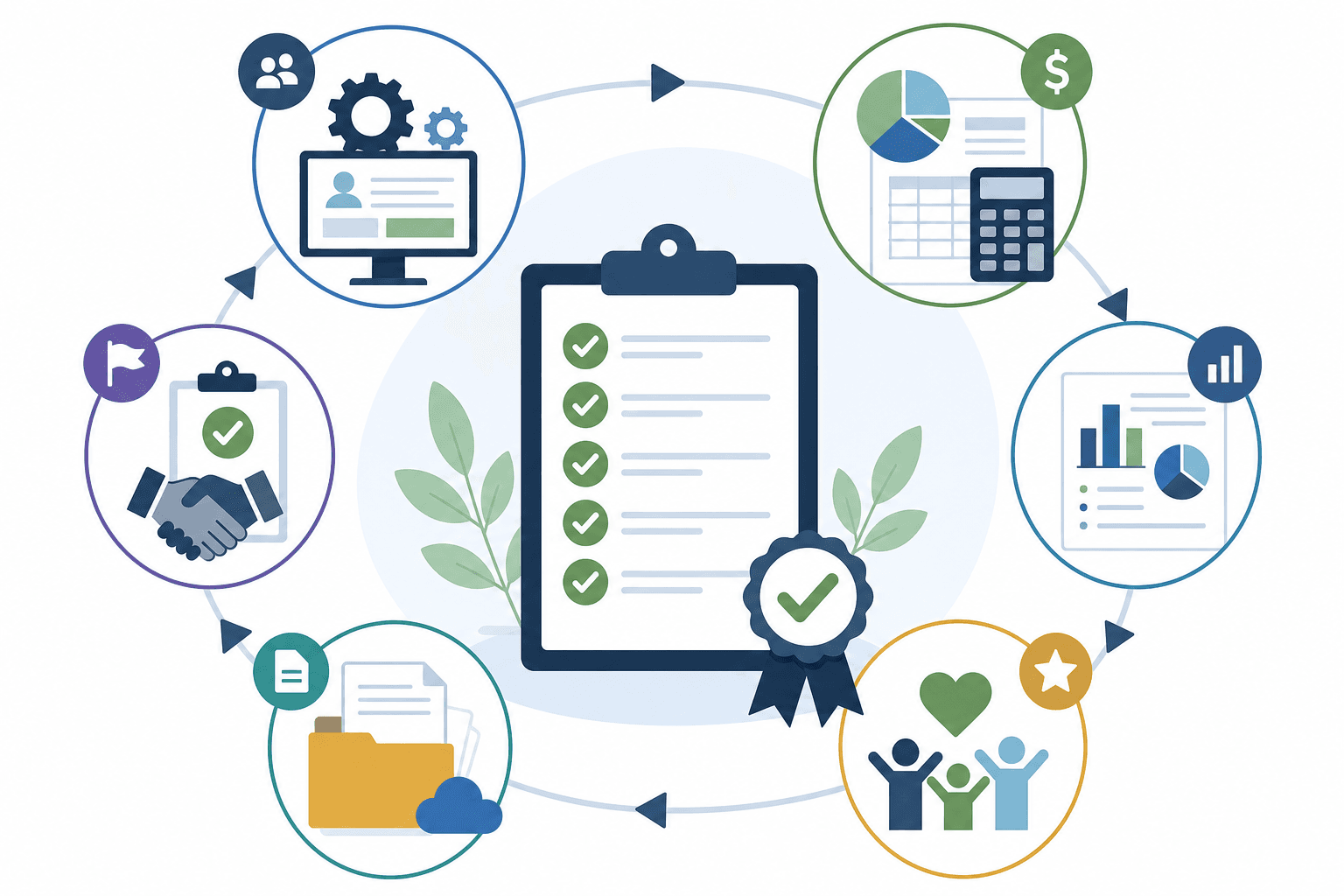
Post-award grant management starts after a grant is awarded and continues until final closeout. It includes award setup, budget tracking, outcome tracking, reporting, funder communication, document storage, and renewal planning.
This checklist supports the full grants lifecycle management process.
Quick Answer: What Should You Do After Winning a Grant?
After winning a grant:
- Save the award letter and agreement.
- Record award amount, grant period, and restrictions.
- Add reporting dates to the grant calendar.
- Assign internal owners.
- Confirm budget categories with finance.
- Translate promised outcomes into tracking fields.
- Store funder contacts and communication rules.
- Schedule internal check-ins.
- Prepare interim reports.
- Plan for closeout.
Post-Award Kickoff Meeting
Hold a kickoff meeting within one week of award. Include grants, program, finance, and leadership if needed.
Agenda:
- Review the award letter.
- Confirm the award amount and grant period.
- Review the approved budget.
- Review restrictions.
- Confirm the activities and outcomes promised.
- Add report dates.
- Assign owners.
- Confirm document storage.
- Discuss renewal or relationship strategy.
Most post-award problems begin when a team celebrates the win but never turns it into an operating plan. The kickoff is the bridge between winning the money and managing it well.
Award Setup
Create an award record with:
Award setup is the moment to convert proposal promises into operating tasks.
Award Restriction Review
Before spending begins, review:
- Allowable costs.
- Unallowable costs.
- Match.
- Indirect cost rules.
- Payment schedule.
- Budget modification rules.
- Procurement rules if applicable.
- Reporting format.
- Record retention.
For the full federal ruleset behind these restrictions, work through the grant compliance checklist.
Budget and Expense Tracking
Review spending regularly and answer:
- How much has been spent?
- How much remains?
- Are expenses allowable?
- Do expenses match the approved budget?
- Is match being documented?
- Is a budget modification needed?
- Does the funder require approval for a change?
Finance and program staff should review grant spending together. Finance can confirm accuracy, and program staff can explain whether spending reflects real work. If a cost is questionable, pause before charging it to the grant.
Outcome and Reporting Tracking
Track outcomes as the program runs, not at the end. The report should not be the first time program staff see the promised metrics.
Turn each promise into a data plan so reporting is easier and more accurate:
Add each report deadline to the grant calendar.
Reporting Workflow
For each report:
- Review funder instructions.
- Gather program data.
- Gather finance data.
- Draft the narrative.
- Reconcile the budget.
- Review internally.
- Submit.
- Save the confirmation.
Do not wait until the due date to collect data. Set an internal draft deadline, an internal review deadline, and a final submission deadline. For larger awards, the draft should start weeks before the funder due date.
A strong report answers every funder question, uses current data, explains budget changes, connects activities to outcomes, names lessons learned, thanks the funder, and arrives on time. Reports are part of stewardship, and they can influence renewal decisions.
The grant reporting requirements and progress report template guide walks each report type with its federal basis.
Funder Communication
Store every important funder communication:
- Award notices.
- Clarifications.
- Budget modification approvals.
- Reporting guidance.
- Site visit notes.
- Renewal conversations.
Contact the funder when the project scope changes, when spending will differ materially from the approved budget, when a report will be late, when key staff change, when the organization needs clarification, or when the project reaches a notable milestone. Document each exchange in the grant record so the history survives even if a staff member leaves.
Keeping these records clear is one stage of grants lifecycle management that pays off in every future application.
Award Modification Process
If the project changes:
- Review the award terms.
- Document the proposed change.
- Ask whether funder approval is required.
- Contact the funder if needed.
- Save the written approval.
- Update the budget and work plan.
Do not assume changes are allowed.
Post-Award Meeting Cadence
Meet monthly for active awards and ask:
- Are expenses aligned with the approved budget?
- Are any costs close to a restricted category?
- Is the project on schedule?
- Are outcomes being tracked in the format the funder expects?
- Are match or in-kind contributions documented?
- Are subrecipient, contractor, or partner records complete?
- Are upcoming reports visible on the calendar?
- Does the funder need to approve any change?
- Is closeout still on track?
End each meeting with action items, owners, and dates. If there are no action items, record that the grant was reviewed and no issues were found. That note helps later when staff need to understand the award history.
Quarterly, compare progress to proposal promises, identify budget changes, prepare upcoming reports, and discuss renewal or continuation.
Post-Award Dashboard and Risk Flags
Track these fields so finance and program staff see the same award:
- Award amount.
- Amount spent.
- Remaining budget.
- Grant period.
- Reports due.
- Outcome progress.
- Owner.
- Risk status.
Use flags to act before a report is due:
- Spending behind schedule.
- Spending ahead of schedule.
- Outcome data missing.
- Report due soon.
- Budget change needed.
- Funder approval needed.
- Staff change.
- Closeout approaching.
Common Post-Award Scenarios
If spending is behind schedule, find out why. Hiring may have been delayed, a vendor contract may have taken longer than expected, or participation may have ramped up slowly. Compare the issue to the award terms and decide whether the funder needs an update.
If spending is ahead of schedule, finance should check whether costs are allowable and whether the project will have enough budget for later activities. Fast spending can signal strong delivery or weak cost controls.
If outcomes are below target, document the cause and the correction plan. A report that explains what changed and what the team learned is stronger than one that only says the goal was missed.
If staff ownership changes, run a handoff meeting. Review the award summary, budget status, next report, open funder questions, and file location. Turnover is one of the most common reasons award records become incomplete.
Post-Award Roles
Post-award work fails when everyone assumes someone else is tracking the award.
Post-Award File Structure
Use folders:
- Award agreement.
- Approved proposal.
- Approved budget.
- Reports.
- Finance documentation.
- Funder communications.
- Closeout.
Keep final documents separate from drafts.
Post-Award Checklist by Timeframe
First week:
- Save award documents.
- Confirm owners.
- Record report dates.
- Review budget and restrictions.
- Schedule the kickoff.
Monthly:
- Review spending.
- Review activities.
- Review outcomes.
- Review funder communications.
Before each report:
- Gather program data.
- Gather financial data.
- Draft the report.
- Review internally.
- Submit and save the confirmation.
Before closeout:
- Reconcile the budget.
- Confirm outcomes.
- Prepare the final report.
- Archive records.
Official-Source Post-Award Review
Post-award management should begin with the funder's official documents, not the team's memory of the proposal. The first review should include the award agreement, approved budget, approved scope of work, reporting schedule, allowable cost rules, match requirements, procurement rules if applicable, and any portal instructions. Assign a backup reviewer.
For federal and federal pass-through awards, also review the relevant 2 CFR Part 200 requirements and the specific award terms. This checklist is not a legal guide, so check the authoritative source before making compliance decisions. Record retention and closeout rules can continue after the project period ends, which means post-award tracking should include archive tasks alongside program delivery tasks.
Create a short award summary from the official documents:
This summary gives program, finance, and leadership one shared interpretation of the award.
Closeout Preparation

Do not wait until the end date to prepare closeout. At least 30 to 60 days before the grant ends, review:
- Final expenses.
- Remaining funds.
- Final outputs and outcomes.
- Required final report fields.
- Required attachments.
- Record retention rules.
- Renewal opportunity.
Then use the grant closeout checklist.
FAQ
Who owns post-award grant management?
Ownership is shared. Finance tracks spending, program staff track activities and outcomes, and the grant lead coordinates reporting and funder communication.
What is the most common post-award mistake?
The most common mistake is failing to set up reporting dates and outcome tracking immediately after award.
Does grant management software help after award?
Yes. Grant management software for nonprofits helps keep award details, deadlines, documents, tasks, and reports in one place.
Next Step
Add every report and closeout date to your grant calendar, assign an owner for each, and set up the file structure in week one. When the award period is ending, work through the grant closeout checklist, and see how post-award work fits the full grants lifecycle management process.