How to Export Grants to Excel from Candid
How to export grants to Excel from Candid: the documented CSV steps, the per-export line item limit, what each plan can download, the bulk download rules, and free 990 sources.

In this article (9)
- Quick Answer: How Do You Export Grants to Excel from Candid?
- How to Export Grants to Excel from Candid Search
- What Data Can You Download from Candid at Each Plan Level
- What Export Format Does Candid Use and Does It Open in Excel
- What Candid's License Says About Bulk Downloads
- Where Can You Download Foundation Grant Data for Free
- How Do You Turn a Candid Export into a Working Grant Spreadsheet
- FAQ
- Put the Exported Funder List on a Research Calendar
On a paid plan, you can export grants to Excel from Candid in a few steps: run a search in Candid search, download the results as CSV, and open the file in Excel. What you get is a sortable, filterable list of funders and grant records you can work from. The export itself is simple. The limits around it are what catch people out.
Candid search replaced Foundation Directory Online during 2026 (Candid press release, January 15, 2026), and Candid's export help article still describes the older Foundation Directory (Candid Learning, read September 2026). The export steps themselves are short. Plan limits, license rules on bulk extraction, and free sources for the same filings decide how much research can live in one workbook.
Quick Answer: How Do You Export Grants to Excel from Candid?
Run a search in Candid search, export the results as CSV and open the file in Excel. Candid's export help article, written for the legacy Foundation Directory, limits exports to 100 line items at a time (Candid Learning, read September 2026). Premium plans cap grants downloads at 250 or 1,000 a month (Candid pricing page, read September 2026).
How to Export Grants to Excel from Candid Search
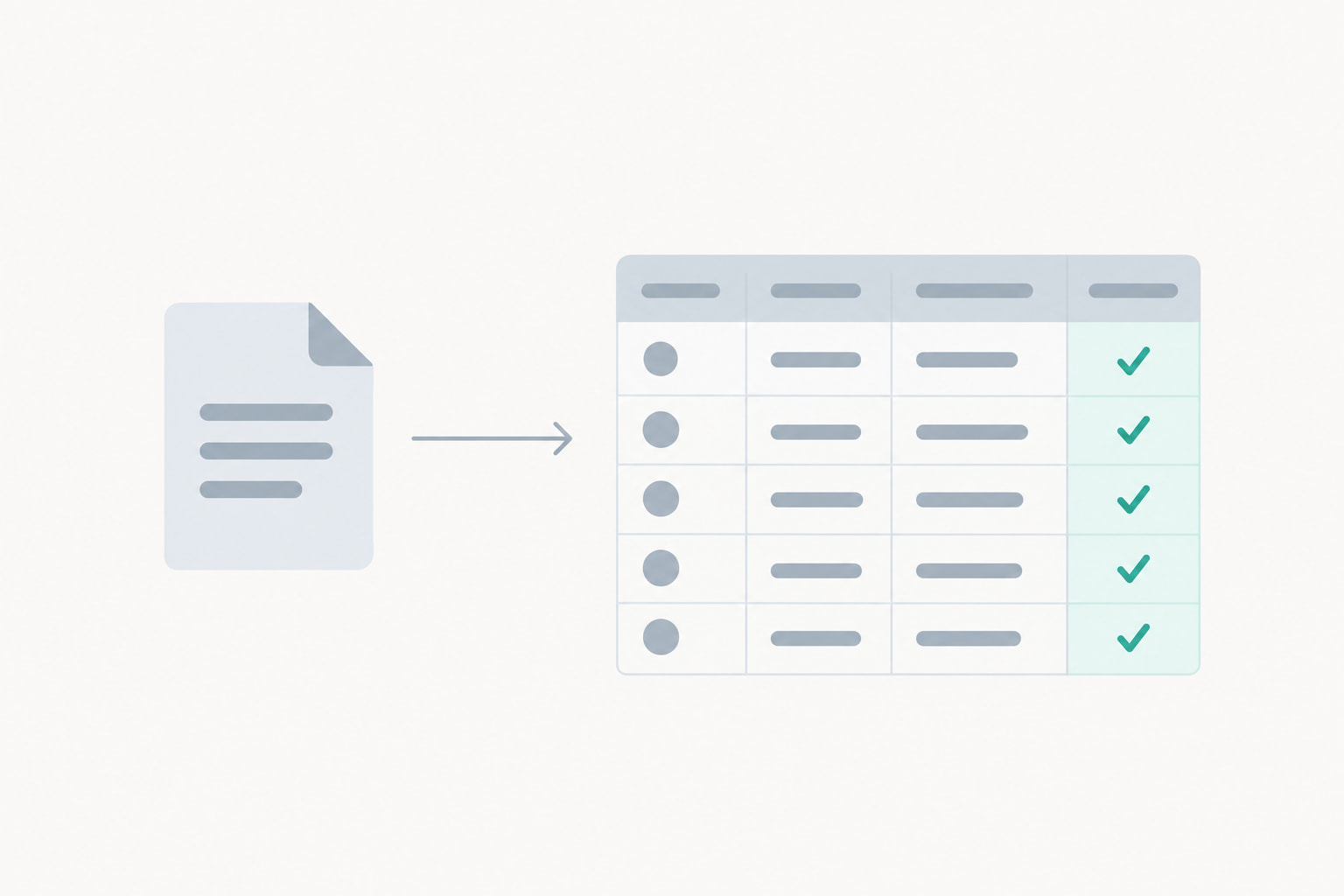
You export grants to Excel from Candid by exporting your search results as CSV and opening the downloaded file in Excel. The export help article on Candid Learning was written for the legacy Foundation Directory, and it states the step in one line: "Choose 'CSV' to export your results as a spreadsheet" (Candid Learning, read September 2026).
Source: Candid Learning export help article for the legacy Foundation Directory, read September 2026.
The same help article sets the batch size: "Note: Exports are limited to 100 line items at a time" (Candid Learning, read September 2026). Candid has not rewritten every help page for the new platform, and one university library wrote in May 2026 that "Online help documentation has not yet been updated" (Villanova University Falvey Library, May 6, 2026), so treat 100 rows as the documented batch size rather than a confirmed Candid search rule. A results list longer than that goes out in batches. Work down the list and append each file to one workbook so your column widths and sort order survive the whole run.
Candid search covers grants given, grants received, guidelines, and grant transaction profiles (Candid help center, read September 2026), and open opportunities surface in the guidelines tab: "If a funder has open grant opportunities and is accepting applications, they will appear in this tab" (Candid help center, read September 2026). Check that tab on screen before you export a funder, because an open opportunity is a good reason to keep the row.
Paid filters narrow the set before a file leaves the platform. Candid lists zip code and radius, affiliation type, IRS subsection, total revenue, total expenses, total assets, IRS form type, number of employees, total contributions, program service revenue, cash and equivalents, and investments and securities among its paid filters (Candid Learning, read September 2026). A tighter filter set means fewer batches and less of the monthly download allowance spent on records nobody will open. Grants downloads and profile downloads each carry a monthly cap on the pricing page, while financial data downloads are a separate Premium and Ultimate feature (Candid pricing page and Candid help center, read September 2026).
What Data Can You Download from Candid at Each Plan Level
Paid plans include grants downloads, profile downloads, financial data, and Form 990 documents (Candid pricing page, Candid Learning and Candid help center, read September 2026). The free account includes one full profile view per month (Candid pricing page, read September 2026), which is enough to inspect a record and nowhere near enough to build a prospect list.
Searches and full profile views are unlimited on both Premium plans (Candid pricing page, read September 2026). Downloads are the metered part of the plan, so build the research calendar around the monthly allowance, not around the size of your prospect list.
Ultimate adds downloadable compliance reports drawing on "6 federal and state sources ... Including BMF, Pub78, Automatic Revocations, IRB, OFAC, and California AB 488" (Candid pricing page, read September 2026). Candid states that it "monitors all data sources daily to detect any updates not officially announced" (Candid pricing page, read September 2026).
One commenter on Reddit wrote: "I don't need their AI to write an LOI for me, I need to be able to download an excel of past relevant grants" (Reddit thread 1vb5ctu, read September 2026). If that is your use case, the grants download row is the one to check before you subscribe.

What Export Format Does Candid Use and Does It Open in Excel
CSV is the spreadsheet format named in Candid's export help article, which was written for the legacy Foundation Directory (Candid Learning, read September 2026), and Excel opens a CSV file as a spreadsheet. CSV is a plain text table where commas mark the column edges and each line is one record.
Opening the file directly lets Excel guess each column's data type. Save it as a workbook before you edit anything, because a CSV file drops formatting, column widths, and filters the moment it closes. ZIP codes, and tax identification numbers stored without a hyphen, lose their leading zeros when Excel guesses. Bring the file in through Excel's text import instead and set those columns to text there, and the zeros survive.
Financial data and compliance reports download organization by organization on paid plans (Candid help center and Candid pricing page, read September 2026), so plan a folder structure before a large research run.
Give the run a folder convention before it starts: one folder per research month, one file per batch, and a workbook that holds the merged rows. Re-running a search after a filing season is cheap. Reconstructing which batch came from which search is not.

What Candid's License Says About Bulk Downloads
Candid's subscriber agreement limits how much of the database any single account may take out, and it prohibits automated collection outright. The rule covers manual exports as well as scraping.
The agreement states: "Printing or downloading of any search output may not exceed a significant segment ... of the database(s)" (Candid Subscriber License Agreement, April 25, 2025 page, read September 2026). It also states that "Scraping or other technological means of wholesale or material downloading or storing of the database(s) ... is STRICTLY PROHIBITED", and that excessive downloading "justifies Candid to immediately suspend or terminate access" (Candid Subscriber License Agreement, April 25, 2025 page, read September 2026).
In practice, export reviewed result sets you intend to work as prospects, not everything a search returns. Because the agreement lets Candid suspend or terminate access for excessive downloading, note the search that produced each batch so the work behind each file is visible to anyone who reviews it.
For a machine-readable pull, the API is a separate license with its own terms. Its "Candid Limited Free Trial API" is valid "only for thirty (30) days ... OR a limited number of calls ... whichever occurs first" (Candid API License Agreement, February 20, 2025 page, read September 2026). Candid's Enterprise plan lists "API and data bundling available" (Candid pricing page, read September 2026), so a team that needs grant records on a schedule at volume should ask Candid about that route.
Where Can You Download Foundation Grant Data for Free
Public filing databases give you the Form 990 and 990-PF filings behind foundation giving at no cost, and you assemble the spreadsheet yourself (ProPublica, August 20, 2026; Grantmakers.io, read September 2026). The match with a Candid export is not exact, because Candid's grants data is supplied partly by funders themselves through eReporting, where a funder emails an Excel grants file to Candid (Candid Learning, read September 2026).
ProPublica's Nonprofit Explorer is free and "includes summary data for nonprofit tax returns and full Form 990 documents, in both PDF and digital formats" (ProPublica, August 20, 2026). Take the digital version where you can, because a PDF is a document and not a table.
Grantmakers.io is built from public 990s and says so plainly: "Research any US foundation in seconds. See their complete giving history, who they fund, and how much they give. Built from public 990s. Forever free." (Grantmakers.io, read September 2026). The site describes itself as "Fully open source" and states that it "was architected to last forever" on "a budget of just $200 per year" (Grantmakers.io, read September 2026). Coverage and usage both carry limits. It covers Form 990-PF filings only, so community foundations, which file Form 990, do not appear there (Grantmakers.io, read September 2026). Heavy use trips a throttle: "As a free community service, we place limits on searches ... You have reached the hourly search limit." (Grantmakers.io, read September 2026).
Candid's own registered search serves filings at no cost: "It's free to register for and try Candid search", and 990s "are available as far back as 2000" (Candid Learning, read September 2026). Free in-person access at partner locations is a separate route to the same search (Candid blog, July 15, 2026).
Commenters on Reddit named free fallbacks, one saying "Propublica website has every 990 for free" and another calling grantmakers.io "a good tool for playing around, but not a replacement" (Reddit threads 1wiivcd and 1sewng0, read September 2026). The side-by-side guide to free foundation sources compares the no-cost options.
How Do You Turn a Candid Export into a Working Grant Spreadsheet
An export becomes a prospect list when you add the columns the file does not carry: fit, next step, and owner. Without those, a download is just a longer version of the search results screen.
If the file carries a tax identification number, deduplicate on it first, because funder records repeat across grant transactions. Then sort by giving history and by whether the funder's guidelines are open. Rows that survive both passes are the ones worth an hour of research. Keep the search that produced each row in the sheet, so the list stays usable when staff change. The grant tracker spreadsheet template is a ready starting workbook if a spreadsheet is where you want to keep the work.
A workbook holds up until the deadlines multiply. GrantCue's kanban-style pipeline tracks each opportunity you pursue and its deadline, with an ICS calendar feed on every plan, Free included, and Google Calendar, Slack and Microsoft Teams integrations from the Team plan, and its public directory holds more than 10,000 private foundation profiles built from IRS 990-PF public filings (grantcue.com, September 2026). Teams whose sheet outgrows itself can move the owner and next-step work into GrantCue's pipeline tracking.
FAQ
How do I export Candid search results to Excel?
Run the search, open the results list and export it as CSV; Excel opens the file directly. Candid's export help article, written for the legacy Foundation Directory, documents the choice as "Choose 'CSV' to export your results as a spreadsheet" and limits exports to 100 line items at a time (Candid Learning, read September 2026). Save the file as a workbook before editing so formatting and filters are kept.
What format does Candid export in?
CSV, according to Candid's export help article, which was written for the legacy Foundation Directory (Candid Learning, read September 2026). CSV is a plain text table where commas separate the fields and each line is one record, and every spreadsheet program opens it. Financial data and compliance reports download organization by organization on paid plans (Candid help center, read September 2026). Save the CSV as a workbook once it opens if you plan to keep filters and column widths.
Does Candid limit exports to 100 line items at a time?
Candid's export help article, written for the legacy Foundation Directory, states "Note: Exports are limited to 100 line items at a time" (Candid Learning, read September 2026). That figure is a batch size for one export, not the monthly download allowance on your plan (Candid pricing page, read September 2026). Export in batches down the results list and append each file to one workbook to keep a single clean dataset.
Can I download 990s from Candid for free?
Yes. "It's free to register for and try Candid search", and 990s "are available as far back as 2000" (Candid Learning, read September 2026). Candid Premium lists "Unlimited 990 downloads" (Candid Learning, read September 2026). Outside Candid, ProPublica's Nonprofit Explorer carries full Form 990 documents in PDF and digital formats at no cost (ProPublica, August 20, 2026). A registered free account is enough for occasional filings.
Can I export all of a funder's past grants from Candid?
Grants given appear on a funder's record in Candid search (Candid help center, read September 2026), and exporting them draws on your plan's monthly grants cap: up to 250 grants on Premium monthly or up to 1,000 on Premium annual (Candid pricing page, read September 2026). Candid's agreement also forbids taking "a significant segment" of the database (Candid Subscriber License Agreement, April 25, 2025 page, read September 2026). Grantmakers.io shows a foundation's giving history built from public 990s at no cost (Grantmakers.io, read September 2026).
Is there a free way to export foundation grant data?
Yes, from public filing databases. ProPublica's Nonprofit Explorer carries full Form 990 documents in PDF and digital formats (ProPublica, August 20, 2026), and Grantmakers.io gives giving history built from public 990s at no cost (Grantmakers.io, read September 2026). You assemble the spreadsheet yourself from individual filings, which is slower and costs nothing. Grantmakers.io covers Form 990-PF filings only (Grantmakers.io, read September 2026), so community foundations need a different source.
Put the Exported Funder List on a Research Calendar
An export is a starting inventory. It turns into funding only when someone works each row on a schedule, so give every row an owner and a next contact date in the same week you build the file.
Sort the file by urgency first. A row whose guidelines tab shows an open opportunity is live, and those rows move to the top.
Use the grant-finding guide for nonprofits to decide which funders deserve research time. Then put every deadline on one shared grant calendar with an owner against each funder. Export again when the new filing season posts, because giving history changes every time a funder files.