Pennsylvania Grants for Nonprofits: Where to Search and How to Build a Grant Pipeline
A statewide guide for nonprofits searching for Pennsylvania grants, including PA.gov, DCED, local foundations, regional funders, federal sources, and grant tracking workflow.
In this article (16)
- Quick Answer: Where Should Pennsylvania Nonprofits Search for Grants?
- Start With Official Pennsylvania Sources
- Build a Pennsylvania Grant Source List
- Qualification Checklist
- Build a Grant Pipeline
- Use a Grant Calendar
- Search Routine
- Local-to-State Strategy
- Build a Grant Portfolio
- Prepare a Readiness File
- Common Pennsylvania Grant Mistakes
- Writing Tips for Pennsylvania Nonprofits
- Local and topical searches to add
- Related Pennsylvania grant guides
- FAQ
- Next Step
Pennsylvania grants for nonprofits can come from state agencies, county programs, local foundations, regional funders, federal pass-through programs, corporate foundations, and community foundations. The challenge is deciding which opportunities fit, tracking deadlines, and managing applications without losing details.
Use this statewide guide with local resources such as grants in Clinton County PA, Clinton County PA grants, and Lock Haven PA grants.
Quick Answer: Where Should Pennsylvania Nonprofits Search for Grants?
Start With Official Pennsylvania Sources
Two durable sources should be checked regularly:
pa.gov/grantsfor statewide grant discovery and application support.dced.pa.gov/program/for Department of Community and Economic Development programs.
DCED's application guidance also points applicants toward the Enterprise eGrants System for many programs. Beyond these two, check mission-specific state agencies such as education, health, conservation, community development, agriculture, aging, and human services.
Because state grant pages change, link to the official source rather than copying time-sensitive deadlines unless someone will maintain the date.
Build a Pennsylvania Grant Source List
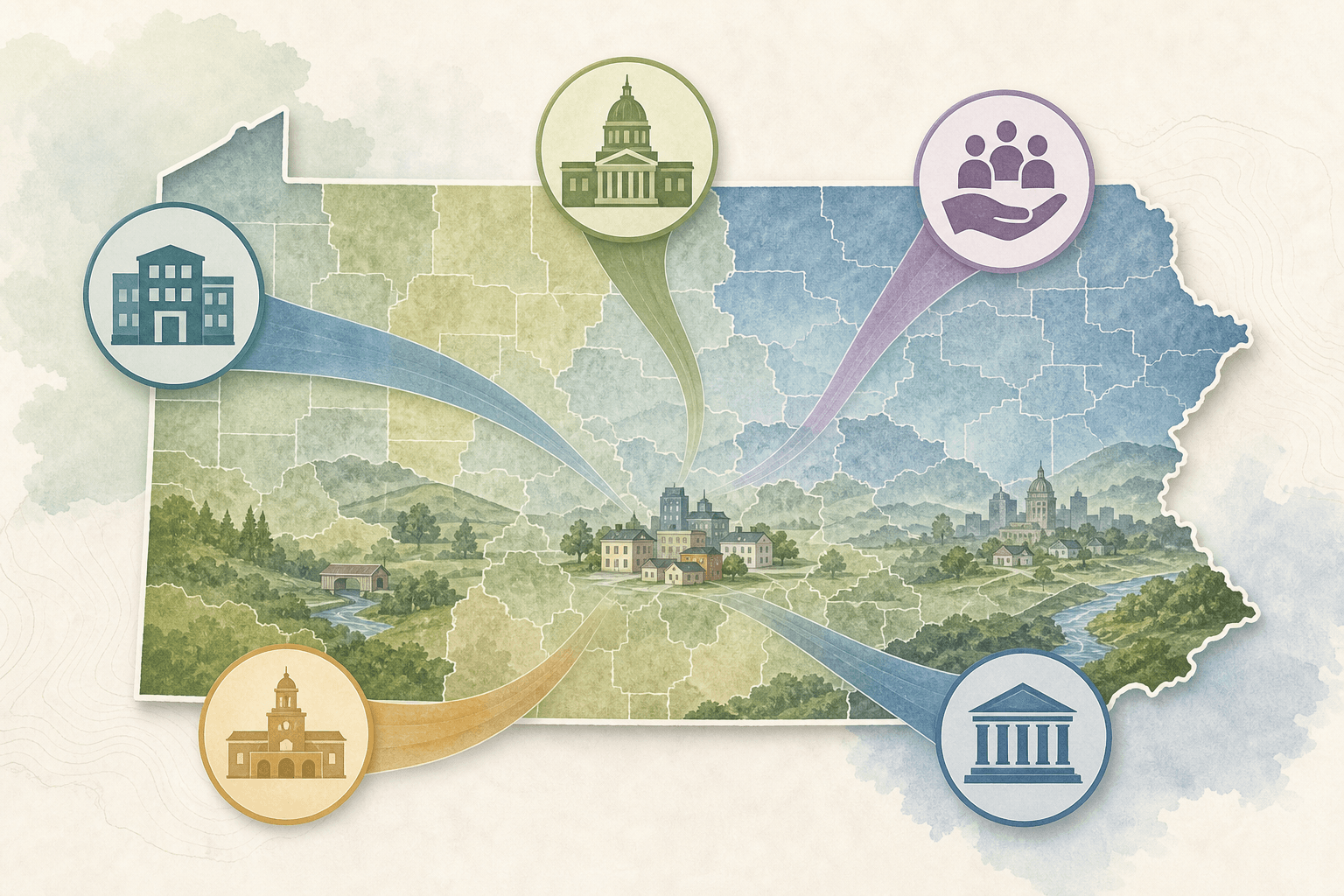
Create a source list by layer, from local to direct federal. This gives you a clear next step instead of pretending every opportunity comes from one statewide portal.
Local examples can then point to the right city or county pages, such as Clinton County or Lock Haven.
Qualification Checklist
Before applying for any Pennsylvania grant, confirm:
- Applicant type.
- Geography.
- Project eligibility.
- Request amount.
- Match requirement.
- Grant period.
- Reporting burden.
- Required registrations.
- Attachments.
- Submission portal.
Do not let "Pennsylvania" in the grant title create false confidence. Some state programs are only for municipalities, schools, authorities, businesses, or specific regions. If a grant fails a must-have requirement, mark it as not eligible. If it is eligible but weak, save it for a future cycle or decline it with a reason. This protects staff time and improves the quality of the applications you do submit.
You can score fit quickly with a simple table:
A go/no-go framework for grant decisions turns a table like this into a weighted total out of 100, so each no is recorded with the test it failed.
Build a Grant Pipeline
A grant pipeline should capture, for each opportunity:
- Source URL.
- Funder.
- Program name.
- Eligibility notes.
- Deadline.
- Request range.
- Match requirement.
- Reimbursement rules.
- Internal owner.
- Status.
- Next action.
- Report dates if awarded.
Use grant management software for nonprofits when the number of opportunities, people, or reporting requirements outgrows a spreadsheet.
A working pipeline moves each opportunity through clear stages:
This connects discovery with compliance, so grant search is not treated as separate from grant management.
Use a Grant Calendar

A grant calendar should include application deadlines and post-award dates. For Pennsylvania nonprofits, this matters because state and public funding often includes:
- Pre-application webinars.
- Letter of intent dates.
- Application due dates.
- Board approval dates.
- Contract dates.
- Interim reports.
- Final reports.
- Renewal windows.
State opportunities often require more internal lead time than local grants.
Search Routine
Set a regular rhythm so opportunities do not pile up.
Monthly:
- Check PA.gov grants.
- Check DCED programs.
- Check county pages.
- Check community foundation pages.
- Check regional funders.
- Add opportunities to the tracker.
- Verify eligibility.
- Assign an owner.
Quarterly:
- Review expired opportunities for annual cycles.
- Update the source list.
- Archive low-fit grants.
- Review awarded reports.
- Refresh the readiness file so outdated attachments do not delay a submission.
During each quarterly review, choose five saved opportunities and check them against the official source. Confirm the URL, applicant type, deadline, match requirement, portal, and reporting expectations. If an opportunity is closed, mark the expected next cycle instead of deleting it. If a program no longer fits, archive it with a reason.
Local-to-State Strategy
For a Clinton County nonprofit, start local, then expand:
- Clinton County and Lock Haven sources. See grants in Clinton County PA for the local picture.
- Central Pennsylvania regional funders.
- Pennsylvania statewide programs.
- Federal opportunities.
This prevents the team from chasing large statewide grants before checking local fit. A state program may be open to nonprofits across Pennsylvania, but the proposal still needs a specific service area, local data, partners, and a realistic delivery plan.
Beyond Pennsylvania, the national playbook is in how to find grants for nonprofits.
Starting local also helps a young organization, since a small nearby grant finished and reported on time gives each later application a track record to cite.
Build a Grant Portfolio
Do not chase every statewide grant. Build a mix:
- Local quick-fit grants.
- Regional relationship grants.
- State program grants.
- Federal opportunities for larger projects.
This reduces dependence on one source and helps the team match effort to opportunity size.
Prepare a Readiness File
Keep a readiness file with the attachments most Pennsylvania grants ask for:
- IRS determination letter.
- W-9.
- Board roster.
- Organizational budget.
- Program budget template.
- Financial statements.
- Audit, review, or compilation if available.
- Insurance documents.
- Strategic or program plan.
- Nondiscrimination or accessibility policies if required.
- Outcome data.
- Local service data.
- Partner letters.
- Staff bios or resumes.
- Prior grant reports.
State and federal pass-through funds often require more administrative capacity than a small foundation grant, so confirm registrations, an authorized signer, and reporting capacity before you commit.
If the file is missing an EIN, the IRS issues one free in a single online session, and finding grants before your nonprofit has an EIN shows which steps can start without it.
Common Pennsylvania Grant Mistakes
Avoid:
- Assuming a state grant is open to nonprofits.
- Missing reimbursement requirements.
- Ignoring match.
- Underestimating reporting.
- Applying without local partners when partners are expected.
- Copying old deadlines into current content.
Writing Tips for Pennsylvania Nonprofits
A strong Pennsylvania grant narrative is specific about geography. Name the county, city, school district, service area, or region when relevant, and explain why the project matters in that community. Use official or local data instead of broad claims. Connect the budget to the activities. Describe who will do the work and how outcomes will be tracked.
For state and public programs, clarity matters even more. Reviewers need to see that the project fits the program purpose, the applicant can manage funds responsibly, and the work can be delivered within the grant period. Address scoring criteria directly and explain match clearly.
Avoid vague phrases such as "we will make a difference" unless the proposal explains what will change. Stronger language says what service will be delivered, to whom, where, how often, by whom, and how success will be measured.
Local and topical searches to add
Once the statewide source list is in place, add local and topical searches that match your work:
- Pennsylvania grants for small nonprofits.
- Pennsylvania community development grants.
- Pennsylvania grants for rural nonprofits.
- Pennsylvania arts grants for nonprofits.
- Pennsylvania youth program grants.
- Pennsylvania food access grants.
- Pennsylvania fire company grants.
- Pennsylvania nonprofit grant calendar.
Each saved source should include the official URL, applicant type, geography, deadline, and notes about why it fits.
Related Pennsylvania grant guides
Use these guides when you need a narrower workflow:
- Clinton County PA grants
- Lock Haven PA grants
- Grant management software
- NOFO summarizer
- Post-award grant management checklist
Local searches and statewide searches work best together. Use local pages for place-specific fit and this statewide guide for broader discovery.
FAQ
Are Pennsylvania grants for nonprofits always open to 501(c)(3) organizations?
No. Some are open to nonprofits, while others are limited to municipalities, schools, authorities, businesses, or specific public agencies. Always review eligibility.
What is the best place to find PA grants?
Start with PA.gov grants and DCED programs, then add county, community foundation, regional foundation, and federal sources.
Should a nonprofit use a spreadsheet for PA grants?
A spreadsheet can work at first. As soon as multiple team members, deadlines, reports, or documents are involved, software is usually easier to manage.
Next Step
If your organization serves Clinton County, start with the grants in Clinton County PA page and the Lock Haven PA grants guide, then widen the search statewide. For a repeatable tracking process, set up grant management software for nonprofits and keep every deadline in one place.