AI NOFO Summarizer: How to Turn Grant Notices Into Application Briefs
A practical guide explaining how nonprofits can use an AI NOFO summarizer to extract grant deadlines, eligibility, requirements, scoring criteria, and review steps.
In this article (16)
- Quick Answer: What Should a NOFO Summary Include?
- Why NOFOs Are Hard to Use
- NOFO Summarizer Prompt
- NOFO Summarizer Prompt Library
- How to Review the Summary
- Common NOFO Summarizer Errors
- NOFO Summary Risk Table
- Turn the Summary Into a Work Plan
- How To Use Scoring Criteria
- NOFO Summary to Proposal Outline
- Decide Whether to Apply
- Example NOFO Summary
- Keep the Summary Current
- Best Uses for First-Time Grant Writers
- FAQ
- Next Step
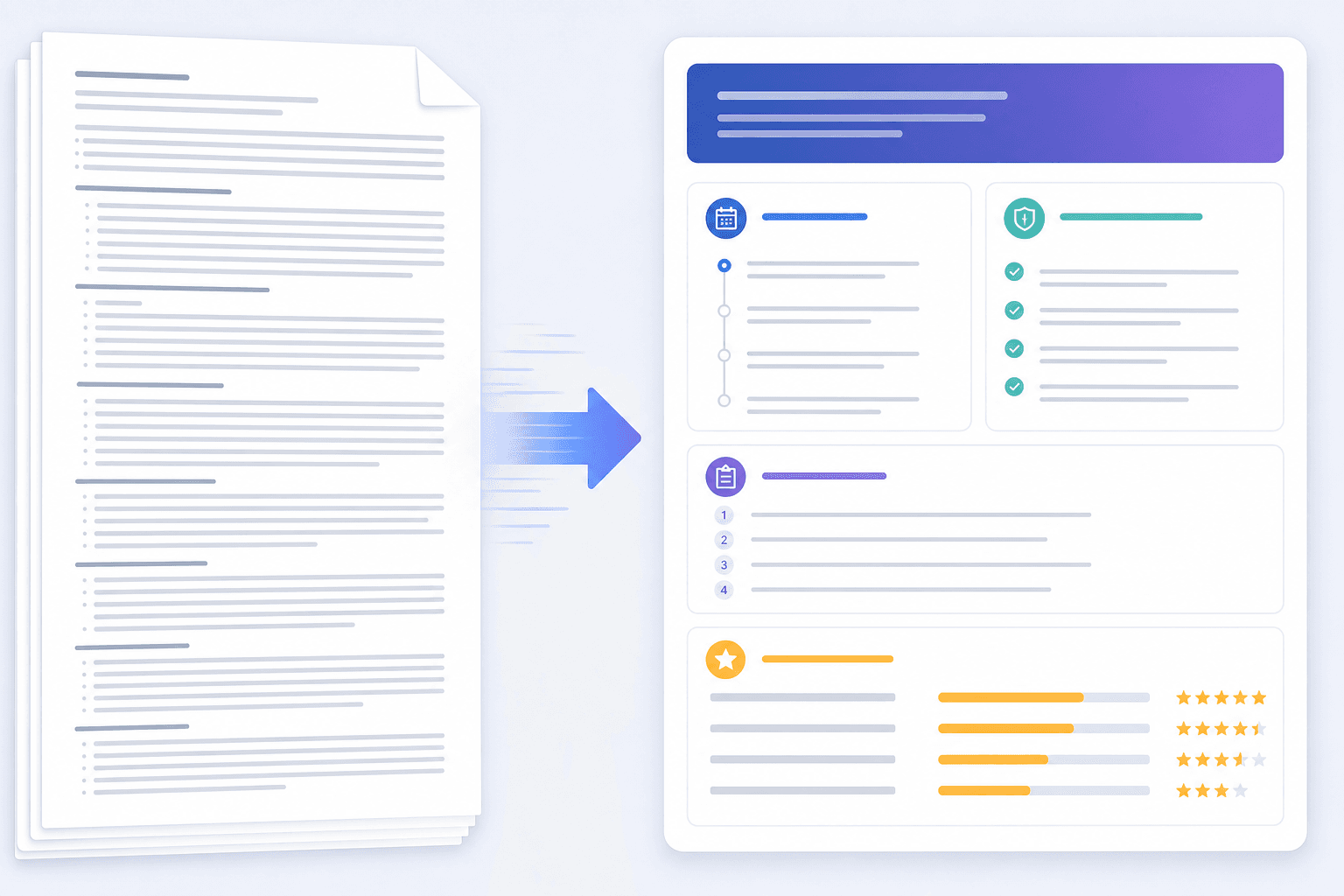
A NOFO summarizer uses AI to turn a long notice of funding opportunity into a shorter application brief. For nonprofit grant teams, the goal is to extract eligibility, deadlines, required attachments, scoring criteria, budget rules, and next steps.
Use NOFO summaries inside a broader AI grant writing software workflow and a grant management software for nonprofits process, so the summary turns into tasks, deadlines, and review steps.
Quick Answer: What Should a NOFO Summary Include?
Why NOFOs Are Hard to Use
NOFOs are often long, dense, and written for compliance. Important details may be spread across many pages. A team can miss a small requirement that affects eligibility or submission readiness.
An AI NOFO summarizer helps by creating:
- A decision brief.
- A requirement checklist.
- A grant calendar entry.
- A draft work plan.
- A proposal section map.
- A list of questions for the funder.
The summary should speed up review, not replace it.
NOFO Summarizer Prompt
Use this prompt:
Summarize this grant NOFO for a nonprofit applicant.
Use only the information in the NOFO.
Do not infer eligibility or invent requirements.

Return:
1. Plain-English opportunity summary
2. Eligibility requirements
3. Deadline and timezone
4. Award amount and project period
5. Required narrative sections
6. Required attachments
7. Budget and match rules
8. Scoring criteria
9. Reporting requirements
10. Questions a human should verify

NOFO text:
[Paste NOFO text]
The final section, "questions a human should verify," is important. It keeps uncertainty visible.
NOFO Summarizer Prompt Library
When the full summary misses detail, run a focused prompt on one part of the notice.
Eligibility Prompt
Extract only applicant eligibility requirements from this NOFO.
List organization type, geography, exclusions, registrations, and unclear items.
Budget Prompt
Extract budget rules, match requirements, allowable costs, unallowable costs,
indirect cost rules, and required budget forms.
Scoring Prompt
Extract scoring criteria and point values.
Create a proposal outline that follows the scoring weight.
Reporting Prompt
Extract post-award reporting, data, compliance, and closeout requirements.After the first summary, ask the model to flag what it is unsure about:
What information in this NOFO is unclear, easy to miss, or risky for a nonprofit applicant?
List the exact section or phrase that needs human review.
This surfaces hidden risks and points you to the exact sections a person needs to reread.
How to Review the Summary
After the AI creates a summary, check it against the original notice.
Review:
- Eligibility language.
- Deadline and timezone.
- Required registrations.
- Allowable and unallowable costs.
- Match rules.
- Page limits.
- Formatting rules.
- Attachment requirements.
- Scoring criteria.
- Submission portal instructions.
Mark each item as verified, unclear, or missing, and do not move to drafting until eligibility and the deadline are confirmed. Treat the summary as a working brief, not the official source. The notice, funder website, application portal, and any written funder clarification remain the record you are accountable to. When the requirements are clear, carry them into a grant proposal review checklist before you submit. Never rely on the summary alone for final submission.
Common NOFO Summarizer Errors
AI may:
- Miss a deadline hidden in an appendix.
- Confuse application deadline with webinar date.
- Summarize eligibility too broadly.
- Skip attachments.
- Ignore match requirements.
- Miss page limits.
- Treat optional criteria as required.
- Treat required criteria as optional.
Many requirements also live outside the opportunity description, in eligibility sections, budget instructions, attachments, assurances, appendices, and reporting rules. A good prompt asks for all of those areas, and a person still confirms them. This is why a NOFO summary belongs inside an AI grant writing workflow that keeps a human in the loop rather than a one-click tool.
NOFO Summary Risk Table
Turn the Summary Into a Work Plan
Once the summary is reviewed, convert it into tasks:
Typical tasks behind those rows include confirming SAM.gov registration is active, drafting each narrative question, completing the budget forms, building the logic model and evaluation metrics, and requesting partner letters early. This is where NOFO summarization connects to grant management software for nonprofits. The summary should create a record, deadline, checklist, and proposal plan.
How To Use Scoring Criteria
If the NOFO gives point values, use them to prioritize writing time. A section worth 30 points deserves more attention than a section worth 5 points, and the proposal outline should follow the scoring weight.
NOFO Summary to Proposal Outline
Turn the summary into an outline that matches how reviewers will read the proposal:
Decide Whether to Apply
Before drafting, use the summary to make a go or no-go decision. Ask:
- Are we eligible?
- Is the project a strong fit?
- Is the request amount worth the effort?
- Can we meet the match?
- Can we meet the deadline?
- Can we manage the reporting?
- Do we have the required partners and documents?
If several answers are no, archive or watch the opportunity instead of drafting. When the answers point to yes, write a short memo so the decision is on the record:
Hold a short meeting to confirm eligibility, deadline, request amount, and match, then assign proposal roles, add the dates to the calendar, and create the review checklist. That turns the summary into a decision the whole team has agreed to.
To make the same call across many opportunities, a weighted go/no-go scorecard screens eligibility first, then scores fit, capacity, cost to apply and odds against a pass line set in advance.
Example NOFO Summary
Opportunity: Rural Community Health Access Grant.
Eligibility: nonprofit organizations serving eligible rural counties.
Deadline: October 30, 2026, 5:00 p.m. Eastern.
Award range: $50,000 to $150,000.
Match: 10 percent cash or in-kind.
Project period: 12 months.
Narrative sections: need, project plan, partnerships, evaluation, budget narrative.
Attachments: IRS letter, board list, budget form, partner letters, audit or financial statement.
Scoring: need 25 points, project design 30, capacity 20, budget 15, evaluation 10.
Unclear items: whether transportation assistance is allowable and whether indirect costs are capped.
This example is useful because it creates decisions and tasks instead of a paragraph alone.
Keep the Summary Current
Assign one owner to maintain the summary. If the funder updates the NOFO, posts answers to questions, or changes the deadline, the owner updates the summary and alerts the team. Without an owner, the summary can go stale while the team keeps drafting.
Store the summary with the grant record so reviewers can trace each checklist item back to the notice:
- Original NOFO link.
- Date summarized and who verified it.
- Apply or no-apply decision.
- Open questions and funder Q&A updates.
- Final checklist.
Best Uses for First-Time Grant Writers

For first-time grant writing, a NOFO summary can make the application feel less overwhelming. It answers:
- Are we eligible?
- How much can we request?
- What does the funder want?
- What documents are required?
- What should we write first?
- Who needs to be involved?
The beginner mistake is jumping into the narrative before understanding the requirements. A summary prevents that.
FAQ
What does NOFO mean?
NOFO means Notice of Funding Opportunity. It is a document that explains a grant opportunity, including eligibility, deadlines, requirements, review criteria, and award rules.
Can AI summarize a federal NOFO?
Yes, AI can summarize a federal NOFO, but a human should verify the summary against the original notice before making an eligibility or submission decision.
What is the best output from a NOFO summarizer?
The best output is an application brief plus checklist. A plain paragraph summary is less useful than extracted deadlines, attachments, scoring criteria, and tasks.
What is the most important part of a NOFO summary?
Eligibility and the deadline come first. If either is wrong, the rest of the proposal work may be wasted.
Should the summary include reporting?
Yes. Reporting affects whether the organization can manage the award after winning, so it belongs in both the summary and the go or no-go decision.
Next Step
Paste the NOFO into the summarizer, extract the requirements, and verify the summary against the original before anyone starts writing. Once eligibility, deadline, budget, and attachments are confirmed, plan the drafting inside a full AI grant writing software guide workflow so the summary drives tasks, dates, and review steps instead of sitting in a folder. Decide first, write second, that is the safest order for AI-assisted grant writing.