Grant Submission Tracking Spreadsheet Columns: The Full List
Every column a grant submission tracking spreadsheet needs, grouped by stage from prospect to record retention, with a data type for each and the 2 CFR 200 rule behind the federal fields.
In this article (9)
- Quick Answer: What Columns Does a Grant Submission Tracking Spreadsheet Need?
- How to Organize Grant Tracking Spreadsheet Columns
- Grant Submission Tracking Spreadsheet Columns: Identity and Pipeline
- Award Columns Copied From the Award Notice
- Reporting Columns: One Row Per Report
- Record-Keeping Columns for a Grant Tracking Audit Trail
- Grant Tracking Software for Nonprofits Uses the Same Columns
- FAQ
- Build the Column Set From Your Next Award Notice
Grant submission tracking spreadsheet columns, and the columns that follow an award, decide which questions your team can answer later: what the award number is, which report is due next, and whether a box of records can be destroyed yet. A sheet that grows one column at a time answers whatever its first owner thought to ask, and little else.
Plan the whole column set before the first row goes in: group columns by the stage they describe, and give each one a data type and a reason to exist. For federal awards, several of those reasons are written into 2 CFR 200.
Quick Answer: What Columns Does a Grant Submission Tracking Spreadsheet Need?
A grant submission tracking spreadsheet needs six columns for every application: funder, grant or program name, due date, amount requested, stage and submitted date, plus an owner and a next action. A complete tracker adds award terms after a win, one row per report on its own tab, and record-keeping columns: 45 columns across three tabs.
Free download: Column specification workbook (all 45 columns with data types, drop-down lists and date formulas) as Excel .xlsx. No email address required.
How to Organize Grant Tracking Spreadsheet Columns
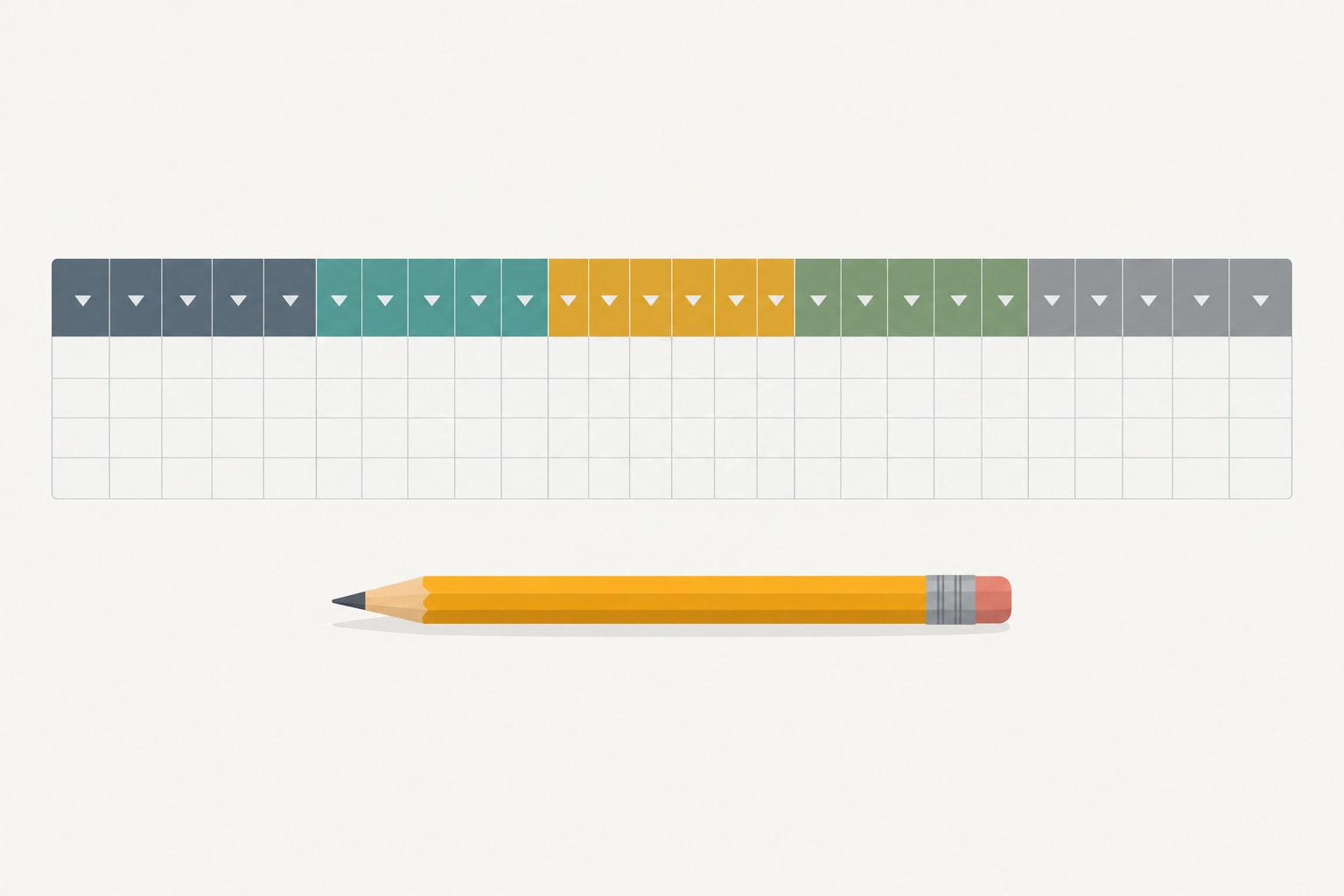
Organize grant tracking spreadsheet columns left to right in the order a grant lives, from identity through pipeline and award terms to records, and put reports on their own tab because one award produces many of them. Give every column a data type before anyone types a value into it. Read left to right, the finished sheet traces the grants lifecycle.
The grants tab holds one row per grant. A row starts as a prospect with the award columns empty and fills in as the grant moves through the grant lifecycle stages, so the same row carries the application, the award and the retention date. When a value repeats, such as a second or third report date, it belongs on its own tab with one row per item. A shorter starter version of this layout is the grant tracking spreadsheet template, and teams that prefer a separate tab for each grant can follow the one tab per grant layout instead.
A data type is the rule for what a column accepts: a date, a currency amount, a whole number, a percent, a value from a fixed list, free text, a link or a formula. Types matter because sorting, filters and formulas only work on consistent values. A due date typed as mid-March never sorts into place, and a stage spelled four ways cannot be counted as one stage.
Fixed values belong in their own cells, and nobody types over a formula. ICAEW's principle 14 is "Avoid using fixed values within formulas," with the instruction "Place any fixed values into separate cells and reference them within a formula" (ICAEW, 20 principles for good spreadsheet practice, 2024 edition). A reply in a Reddit thread about an inherited multi-grant payroll sheet makes the same point: "The tool matters less than separating the allocation instructions from the calculation" (Reddit thread 1vmiey8, read October 2026).
The download lays the full set out on six tabs, with the Column Spec tab acting as the written definition every new hire reads first.
Grant Submission Tracking Spreadsheet Columns: Identity and Pipeline
Submission tracking columns are the 14 identity and pipeline columns every application needs, federal or not: funder, program or opportunity, owner, stage, the due dates, amount requested and submitted date among them. Six name the grant, its funder and its owner, and eight carry an application from first look to decision, so nonprofit grant tracking built on these columns alone still answers who owns each grant and what is due.
Stage is the column that breaks first, because everyone invents a label. Published templates keep the list short. Smartsheet's grant pipeline template uses "six pipeline stages: prospects, active, submitted, awarded, funded, and closed" (Smartsheet, Free Grant Tracking and Grant Management Templates, June 26, 2024), and Airtable's Nonprofit grant tracker template uses a status field "covering In progress, Next steps needed, Pending, Funded, and Denied" (Airtable template page, September 2026). The download's nine stages keep a declined application and a finished award under different labels, and the list lives on one tab so nobody types a tenth.
The internal draft date earns its column. One reply in a Reddit thread about juggling deadlines proposed separate columns for "Budget due date," "Budget owner," "Draft review due date," "Draft reviewer" and "SME review due date" next to the funder's due date (Reddit thread 1szdg4j, read September 2026). The download keeps one internal draft date; add the review dates if your process has those steps. A consultant tracking several organizations would also add a Client column, as the same reply did.
Award Columns Copied From the Award Notice
Award columns copy the terms of the award notice into the tracker on the day the award arrives, because federal rules require your records to identify each award by those same details. For foundation grants, the same columns hold the award letter's reference number, dates and amount.
Two sections set the federal list. 2 CFR 200.211(b) requires each federal award to state, among 16 items, the "Unique Federal Award Identification Number (FAIN)," the "Period of Performance Start and End Date," the "Budget Period Start and End Date," the "Total Amount of Federal Funds Obligated," the "Assistance Listings Number and Title" and the "Indirect Cost Rate for the Federal award" (2 CFR 200.211(b), eCFR, current as of September 2026). 2 CFR 200.302(b)(1) then requires the financial management system to identify all federal awards received and expended, including, as applicable, "the Assistance Listings title and number, Federal award identification number, year the Federal award was issued, and name of the Federal agency or pass-through entity" (2 CFR 200.302(b)(1), eCFR, current as of September 2026). A walkthrough of 2 CFR 200 sets both sections in the wider rules, and the federal grant compliance checklist covers what else to set up when the award arrives.
Your organization's Unique Entity Identifier also appears on every federal award (2 CFR 200.211(b), eCFR, current as of September 2026). It identifies your organization, not the grant, so it lives in one cell on the Lists tab instead of in a column.
Restrictions deserve words, not codes. A poster building a nonprofit tracker wanted it to record "what activities the grants allow or don't allow" (Reddit thread 1qx3lpf, read September 2026). Paste the funder's wording into the Restrictions column so the next reader sees the rule itself.
Spending stays off this tab. Actual spending by budget line needs a ledger with one row per transaction, the layout the guide to logging grant expenditures walks through, and staff split across awards need the dated table in the payroll allocation template for multiple grants.
Reporting Columns: One Row Per Report
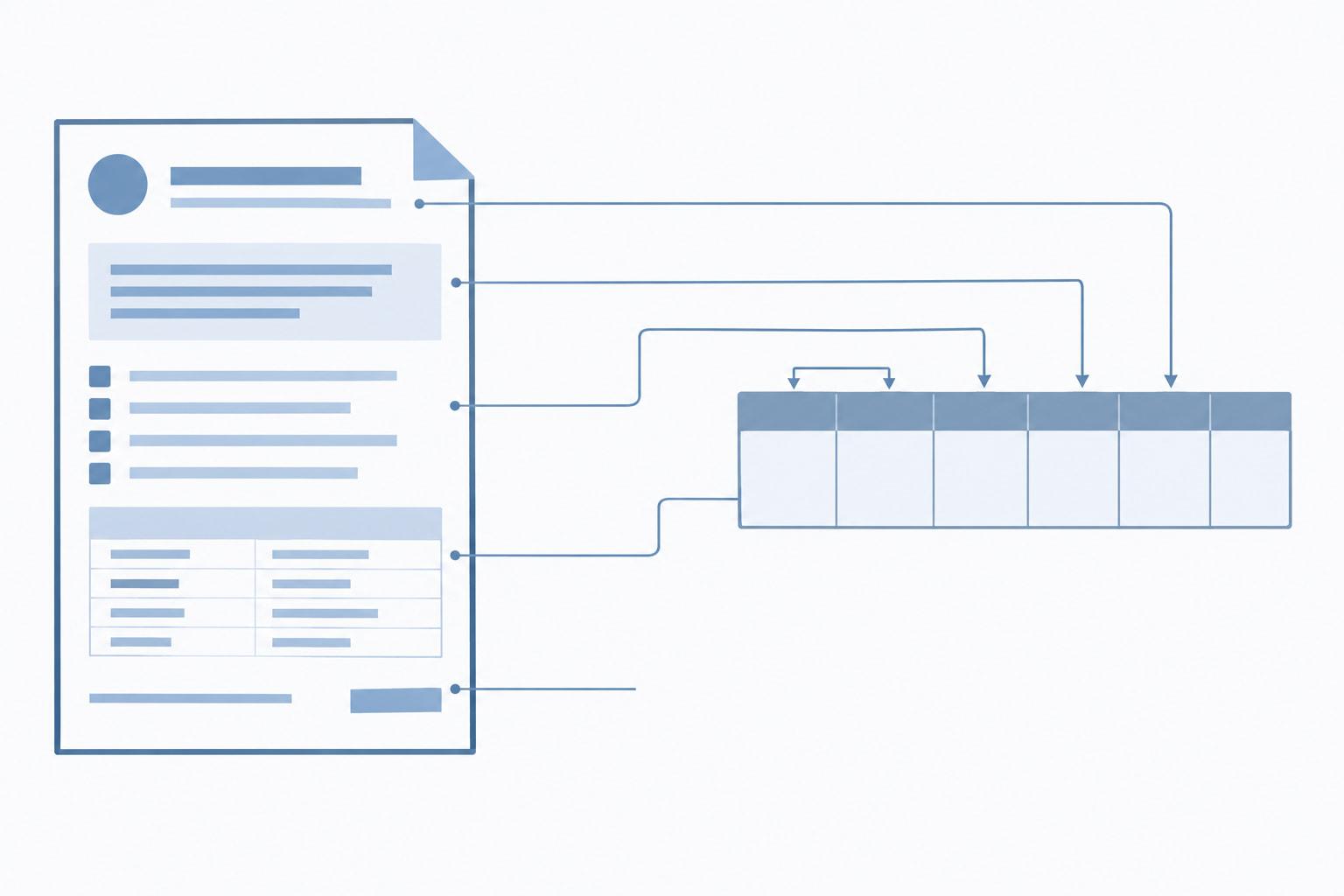
Reporting columns sit on their own tab with one row per report, because a single award produces a schedule of reports and each one has its own period, due date and owner. Ten columns cover it, and three of them are formulas.
Federal agencies and pass-through entities "must collect financial reports no less than annually" and "may not collect financial reports more frequently than quarterly unless a specific condition has been implemented in accordance with § 200.208" (2 CFR 200.328(b), eCFR, current as of September 2026). The government-wide financial form is named in the regulation: "At the time of publication, this consists of the Federal Financial Report (SF-425)" (2 CFR 200.328(a), eCFR, current as of September 2026).
Due dates follow fixed counts. Annual financial reports are due "no later than 90 calendar days after the reporting period," quarterly or semiannual ones "no later than 30 calendar days," and a recipient's final report "no later than 120 calendar days after the conclusion of the period of performance," with 90 days for a subrecipient's final report to its pass-through entity (2 CFR 200.328(c)-(d), eCFR, current as of September 2026). Performance reports follow the same interval limits and the same 90-day, 30-day and 120-day due dates (2 CFR 200.329(c)(1), eCFR, current as of September 2026).
The formula is a check, not a replacement: the typed Due date from the award terms governs, and the download highlights any typed date later than the federal default so someone rereads the terms.
Two kinds of report need rows even though no federal due-date formula fits them. 2 CFR 200.329(e) requires notice between reporting dates "When a significant development that could impact the Federal award occurs," including "problems, delays, or adverse conditions" (2 CFR 200.329(e), eCFR, current as of September 2026), so each notice gets a row with the frequency As needed. Foundation reports get rows too, with dates from the award letter and the federal default left blank. What goes into each report is covered in the progress report template.
Record-Keeping Columns for a Grant Tracking Audit Trail
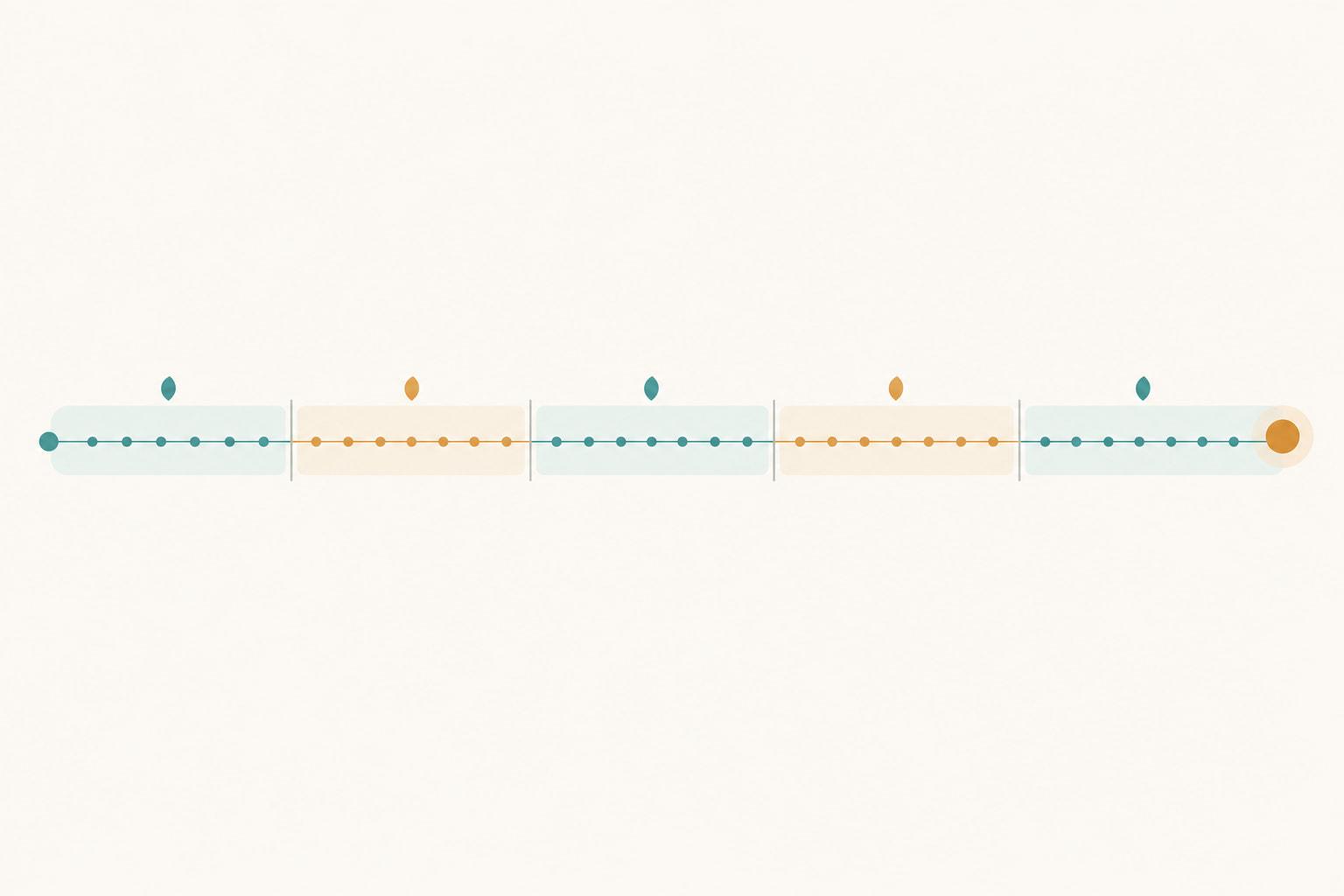
Record-keeping columns show where the proof for each grant lives, when its records may be destroyed and who changed a key value, and together they form the grant tracking audit trail a reviewer asks to see. Four sit on the grants tab, and seven make up the change log.
Source documentation comes first. 2 CFR 200.302(b)(3) states that "All records must be supported by source documentation" (2 CFR 200.302(b)(3), eCFR, current as of September 2026), and the Document folder column gives each grant one link to that proof. Paper copies are optional when "original records are electronic and cannot be altered" (2 CFR 200.336, eCFR, current as of September 2026).
Retention needs a start date, an end date and a hold. Recipients and subrecipients must "retain all Federal award records for three years from the date of submission of their final financial report" (2 CFR 200.334, eCFR, current as of September 2026), so the clock starts when that report goes in, not when the grant ends. The tracker records the submission date and a formula adds three years. Retention runs longer when litigation, claims or audit findings start within the three years, when you are notified in writing, and for property records until "three years after final disposition" (2 CFR 200.334(a)-(c), eCFR, current as of September 2026), and the Retention hold column names whichever applies. While a hold is set, the Retention end cell shows Hold instead of a date, so nobody reads the three-year date as permission to destroy records. Foundation grants follow your own records policy, entered once on the Lists tab, and a hold marks any grant agreement that asks for longer. The final financial report is one step of closeout, and our closeout checklist for grants covers the others.
The change log exists because built-in history has limits. Show Changes in Excel for Microsoft 365 shows "who changed what, where, and when," but "You can see past changes for up to 60 days" (Microsoft Support, Show changes that were made in a workbook, September 2026), and its reset option clears that history "for everyone using this workbook" (Microsoft Support, Get help with Show Changes in Excel, September 2026). In Google Sheets, "Some changes might not show up in the edit history," including "Added or deleted rows and columns" and "Changes made by formulas" (Google Docs Editors Help, Find what's changed in a file, September 2026). A dated row in the log, written whenever a stage, due date or amount changes, outlasts both.

Grant Tracking Software for Nonprofits Uses the Same Columns
Grant tracking software for nonprofits stores most of the same fields as a well-built spreadsheet, so a clean column set is your migration plan whether you stay in the sheet or move.
Imports reward simple columns. Smartsheet, for one, imports only "an Excel workbook's first (left-most) worksheet tab," and "Formulas aren't preserved" (Smartsheet Learning Center, Import file data to new sheets, September 2026). Short drop-down lists, one table per tab and formulas you can rebuild are what survive a move.
Moving records in or out of Instrumentl also runs through files. Instrumentl says its exports "are available for download as .csv files," and its spreadsheet imports start from a downloadable template and "are done manually by one of our Grant Import team members and are not automatic" (Instrumentl Help Center, September 2026).
One commenter in a Reddit thread counted "reminders, automations" among the features a team gains by moving past Excel (Reddit thread 1vydvxu, read October 2026). That fits a plain workbook, where a due date waits in its cell until someone opens the file. Change history is a closer call: Show Changes and cell edit history exist, and their limits are the gap the change log fills by hand.
GrantCue imports a grants tab like this one through CSV import with field mapping and a preview (GrantCue features page, October 2026). CSV and Excel import and export come with every plan, Free included, and so does the activity log, the software counterpart of the change log tab; the plans differ in users, grants tracked at once and AI features (GrantCue pricing page, October 2026). What each plan carries is on the plan-by-plan pricing page. GrantCue makes one of the products compared in this post, so check the figures yourself: each one names its public source and a date.
FAQ
How Many Columns Should a Grant Tracker Have?
A complete tracker has 45 columns across three tabs: 28 on the grants tab, 10 on the reports tab and 7 in the change log. Five apply only to federal awards (Assistance Listings number and title, budget period start, budget period end, indirect cost rate and federal default due), so a tracker that holds only foundation grants runs on 40. If you cut further, keep the Grant ID, stage, owner and every date.
Which Columns Give a Grant Tracker an Audit Trail?
Eleven do: a document folder link, the final financial report date, a retention end date, a retention hold, and a change log recording the date, the person, the grant, the column, the old value, the new value and the reason. Built-in history helps but runs out: Show Changes in Excel for Microsoft 365 covers past changes "for up to 60 days" (Microsoft Support, September 2026), and Google warns that some Sheets edits might not show up in cell history.
What Are Grant Project Plan Columns?
Grant project plan columns list the deliverables behind a grant's performance reports: Grant ID, deliverable, the objective it serves, owner and target date. Keep them on a separate tab joined by Grant ID, and word each objective as the award does, because federal recipients must "relate financial data and project or program accomplishments to the performance goals and objectives of the Federal award" (2 CFR 200.329(b), eCFR, current as of September 2026).
Should Each Grant Report Have Its Own Row?
Yes. A federal award can owe financial and performance reports as often as quarterly, or more often under a specific condition, and no less than annually, plus final reports due within 120 calendar days after the period of performance ends, or 90 for a subrecipient (2 CFR 200.328(b)-(d) and 200.329(c)(1), eCFR, current as of September 2026). Columns named Report 1 due and Report 2 due run out and cannot sort into one list of what is due next; a reports tab can.
How Long Do Grant Tracking Records Need to Be Kept?
For federal awards, recipients and subrecipients keep records for three years from the date the final financial report is submitted (2 CFR 200.334, eCFR, current as of September 2026). Retention runs longer when litigation, claims or audit findings start within those three years, when you are notified in writing, and for property records, which run three years after final disposition. Foundation grants follow the grant agreement or your own records policy, whichever is longer.
Build the Column Set From Your Next Award Notice
Start with the next award notice that lands. Copy its award number, Assistance Listings number and title, period of performance, budget period, amount and indirect cost rate into the grants tab word for word, and paste the restrictions in the funder's language. Then add a reports row for every report the terms list, with its period end and the due date the terms set, and set the internal buffer once on the Lists tab.
Move existing grants across one at a time instead of pasting the old sheet in whole. Each value you correct on the way goes into the change log with a reason, so the first entries in your audit trail explain the migration. Then sort the reports tab by internal due date and confirm that every open report has an owner who knows it is theirs.