Using monday.com for Grant Tracking
How to set up monday.com for grant tracking: board design for report schedules, date automations, the Standard plan's action quota, Activity Log retention, nonprofit terms and import limits.

In this article (10)
- Quick Answer: Does monday.com Work for Grant Tracking?
- What monday.com Offers a Grant Team, Plan by Plan
- Board Design for Calendar-Shaped Grant Work
- Reminders With Automations: Templates and the Action Quota
- Where Boards Fight the Grant Lifecycle
- What monday.com's Activity Log Keeps
- Nonprofit Grant Tracking Costs and Program Terms
- Getting Grants Onto a Board and Back Off
- FAQ
- Build the Reporting Board Before the Pipeline
Using monday.com for grant tracking works best when the boards are built around dates. A grant is a funder, an amount and a status, but the work it creates is a calendar: application deadlines, internal drafts, and reports on every award for as long as it runs. Work Management boards handle the first part easily and the calendar only with some design.
One commenter in a Reddit thread described the calendar problem: every award keeps producing reports on its own schedule. Another replied, "I use sub-items for multiple reports on a grant in Monday. Works great" (Reddit thread 1vydvxu, read September 2026).
Quick Answer: Does monday.com Work for Grant Tracking?
monday.com can track grants if every report and deadline gets its own dated item with an owner, so automations such as "When date arrives, notify someone" can fire. Automations start on Standard, which includes 250 automation actions a month, and the Activity Log keeps one week on Basic and 6 months on Standard (monday.com Support, September 2026).
Tracking these dates? GrantCue reminds you before each deadline and report you add. Track deadlines free
What monday.com Offers a Grant Team, Plan by Plan
monday.com gives a grant team boards of items with date, timeline and status columns, automations that act on those dates, an Activity Log of changes, and dashboards that combine boards. The plan decides how much of each you get.
(monday.com pricing page; monday.com Support articles on automations pricing, the Activity Log and dashboards; read September 2026.)
Seats are sold in groups, which changes the arithmetic for small teams. "The pricing works per group of seats and not per seat," plans "start at a minimum of 3 seats, and then ascend in multiples of 5," and "if you have a team of 6, you will need to select the 10-seat plan" (monday.com Support, Plans and pricing, May 15, 2025). "The yearly option includes an 18% discount over monthly billing," "The monthly plan is not discounted," and "Prices do not include tax" (monday.com Support and pricing page, September 2026).
Two plan facts matter most for grants. Automations, which carry every reminder, are "only available on the Standard plan and up" (monday.com Support, Automations and integrations pricing, September 2026). The Activity Log, which is your change history, lengthens with each tier. Pick the plan for those two, not for the board count.
monday.com says "we offer a 14-day free trial of the Pro plan for monday work management, monday CRM and monday dev" (monday.com pricing page, September 2026), which is long enough to set up the reporting board and watch its first reminders fire before paying.
Board Design for Calendar-Shaped Grant Work
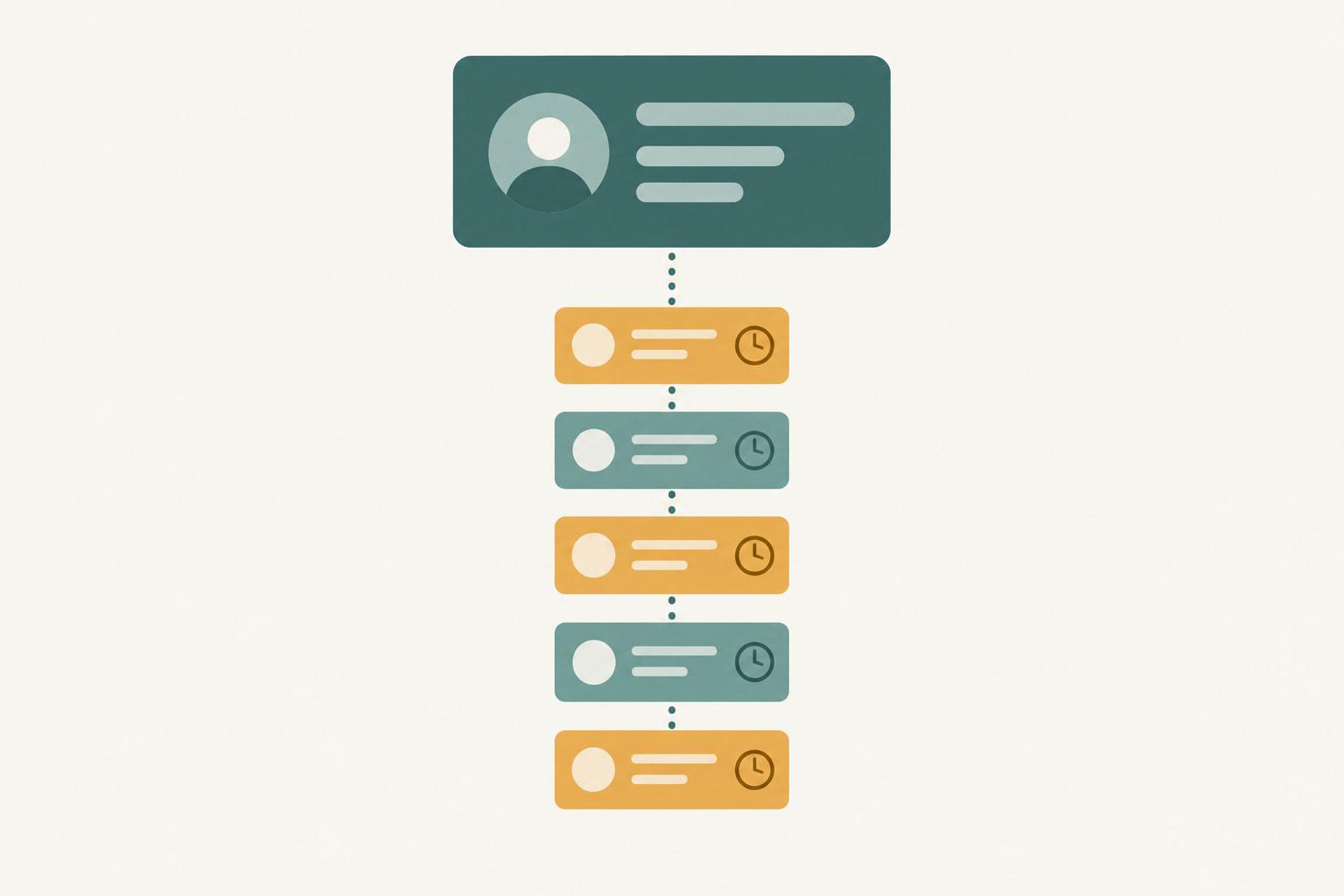
Build two boards: a pipeline board with one item per application, and a reporting board with one item per report owed on an award. Every item carries the dates its reminders run from, because monday.com schedules reminders "based on a date or timeline column" (monday.com Support, Alerts and Reminders with Automations, September 2026).
The pipeline board is the familiar part. Give each application a funder, an owner, a status (Prospect, Go/no-go, Drafting, Submitted, Awarded, Declined), the funder's deadline, your internal draft date, and the amounts requested and awarded. The go/no-go framework supplies the tests for that second status, and the grant pipeline guide covers moving items across stages.
The reporting board is where grant work differs from project work. Federal agencies and pass-through entities collect financial reports "no less than annually" and not "more frequently than quarterly unless a specific condition has been implemented" (2 CFR 200.328(b), eCFR, current as of September 2026), and quarterly or semiannual reports are due no later than 30 calendar days after the reporting period, annual reports no later than 90, and the recipient's final report no later than 120 calendar days after the period of performance ends (2 CFR 200.328(c)-(d), eCFR, current as of September 2026). Each of those reports needs its own item, dates and owner.
The commenter's alternative, sub-items for each report under the grant's item, keeps an award's schedule in one place (Reddit thread 1vydvxu, read September 2026); test that your date automations fire on sub-items before you rely on them. Either way, give each report both dates, and write its narrative with a progress report structure agreed in advance.
Reminders With Automations: Templates and the Action Quota
Two of monday.com's documented reminder templates fit the reporting board directly, and both run from a date column on the item (monday.com Support, Alerts and Reminders with Automations, September 2026).
The first is "When date arrives, notify someone." Point it at the internal draft date column and notify the owner, so the reminder lands while there is still time to write.
The second is "Every day, if {due date} has passed and only if {status} is {something}, {notify} {someone}" (monday.com Support, Alerts and Reminders with Automations, September 2026). Point it at the funder's due date, set the status to a value that means unfinished, such as Drafting, and notify the owner. If unfinished reports can sit in more than one status, as Not started, Drafting and In review do, set it up for each one. It is the overdue alarm.
The quota is the catch. Standard includes 250 automation actions a month, and monday.com's own note warns that "250 actions/month is typically exhausted within days for accounts that notify multiple people or map multiple columns per automation" (monday.com Support, Automations and integrations pricing, September 2026). A reporting board that notifies two people about every report is exactly that kind of account.
Running out has a set sequence. At the full quota "you will receive a grace period of 72 hours before your automation runs will be paused," and "At the moment, only Enterprise customers can purchase additional actions for their account" (monday.com Support, Automation and Integration actions and limits, September 2026). On Standard, notify one person per automation and let the grants lead check the board. If several owners need alerts on many awards, budget for Pro.
Where Boards Fight the Grant Lifecycle
Boards fight grant work in a few specific places, each documented, and each has a workaround with a cost. The stages a board has to hold, from application through reporting to closeout, are mapped in the grants lifecycle management guide.
(monday.com Support and pricing page, read September 2026.)
The board-per-grant pattern deserves a warning of its own. It feels natural when each award has its own staff and budget, but a Standard dashboard can combine only 5 boards (monday.com Support, The Dashboards, September 2026), so a portfolio of awards on separate boards outgrows the dashboard before it outgrows the team.
One poster at a large, grant-funded nonprofit found monday.com neither "particularly user-friendly" nor "easy to export/import with excel," while their Excel tracking of "deadlines, reports, etc." "works fine" (Reddit thread 1vydvxu, read September 2026). A board that asks people to change how they work has to pay that cost back in reminders.
What monday.com's Activity Log Keeps
monday.com's Activity Log records who changed what on a board, and how far back it reaches depends on the plan. Each entry shows "When the change was made," "Who made the change," the item, the column and "The previous value -> The new value" (monday.com Support, The Activity Log, September 2026).
The log holds one week of activity on Basic, 6 months on Standard, up to 1 year on Pro and up to 5 years on Enterprise (monday.com Support, The Activity Log, September 2026). For a grant tracker, the fields worth watching are status and due dates: when a report's due date moved, and who moved it.
Federal records run longer than most of those windows. Recipients and subrecipients must "retain all Federal award records for three years from the date of submission of their final financial report" (2 CFR 200.334, eCFR, current as of September 2026), and federal agencies, Inspectors General and the Comptroller General have "the right of access to any records of the recipient or subrecipient pertinent to the Federal award" (2 CFR 200.337, eCFR, current as of September 2026). On Basic, Standard and Pro, the board's history ends well before that retention period does.
That is acceptable as long as the board is not your record. The records to retain "include but are not limited to, financial records, supporting documentation, and statistical records" (2 CFR 200.334, eCFR, current as of September 2026), and they belong in the accounting system and the award file. Treat the Activity Log as a way to answer who changed a date within your plan's window, and keep submitted reports and approvals in the award file that your closeout steps work from.

Nonprofit Grant Tracking Costs and Program Terms
Eligible nonprofits can run a small grant team on monday.com without seat charges, because the Nonprofit Program includes "10 free seats on Work Management, CRM, Service, and Dev on the Pro plan," with "70% off" additional seats and "33% off" an Enterprise upgrade (monday.com Support, monday.com for nonprofits, September 2026).
The terms matter as much as the discount. The program requires a one-year subscription ("we do not honor any monthly plans or discounts to monthly plans"), eligibility is reconfirmed yearly, and additional seats are "only available in lots of 5 seats" (monday.com, Nonprofits Eligibility, September 2026). Ineligible organizations include "Government-managed/owned nonprofits," "Educational organizations such as a school, college, university, or a related organization," and hospitals (monday.com Support, monday.com for nonprofits, September 2026).
Illustrative figures, not data from a real organization.
The totals are arithmetic on monday.com's listed per-seat prices, which exclude tax, not a quote. The nonprofit row assumes the organization qualifies and accepts the one-year term. For teams weighing other nonprofit grant tracking software, our comparison of grant tools for nonprofits looks at tools built for grants.
Getting Grants Onto a Board and Back Off
A team moving from a workbook meets monday.com's import rules first. "If your Excel spreadsheet contains multiple tabs, only the first tab will import," "custom Excel formatting (like colors or formulas) won't carry over," a re-import creates a new board instead of updating the existing one, and "XLSM files are not supported" (monday.com Support, Import files from Excel, August 17, 2026). A new board accepts "up to 100 columns and 8000 rows; however, only the first 50 columns will be imported," and "If a column has more than 40 unique labels, the import will fail" (monday.com Support, Import files from Excel, August 17, 2026).
The same rules apply if Instrumentl is your research tool and monday.com your tracker. Instrumentl says "All of the exports are available for download as .csv files, allowing you to easily save your data as an Excel spreadsheet (.xlsx)" (Instrumentl Help Center, September 2026). Because a re-import builds a new board, that export is a one-time load, not a sync. monday.com's nonprofit page also advertises an AI Grant Finder that "searches for relevant grants that match your mission and adds the grants directly to your CRM with deadlines, contact information and more" (monday.com nonprofits page, September 2026).
Leaving is simpler: "You may only export a board with up to 100,000 items at a time" (monday.com Support, Export from monday to Excel, September 2026), a limit a grant board is unlikely to approach.
GrantCue is one destination for that export. Its features page lists automated email reminders, a customizable notification schedule and overdue grant alerts (grantcue.com, September 2026). Reminders, daily and weekly digests and an activity log come with every plan, Free included (grantcue.com pricing, October 2026). It has no monday.com connector, so a board exported to Excel comes in through the CSV and Excel import that every plan includes. The deadline tracking features show the reminder settings.
FAQ
Is monday.com Free for Nonprofits?
Not entirely. Eligible nonprofits get "10 free seats on Work Management, CRM, Service, and Dev on the Pro plan" and "70% off" additional seats, on a one-year subscription with eligibility reconfirmed each year (monday.com Support and Nonprofits Eligibility page, September 2026). Government-managed nonprofits, schools, colleges, universities and hospitals are not eligible. The Free plan itself is "$0 free forever" for up to 2 seats and 3 boards, without automations (monday.com pricing page and Support, September 2026).
Can monday.com Send Grant Deadline Reminders?
Yes, on Standard and above. monday.com documents reminders "by scheduling an automation based on a date or timeline column," with templates such as "When date arrives, notify someone" (monday.com Support, September 2026). Give every report its own item with an internal draft date and a due date, and point one automation at each date column. Automations are not available on Free or Basic.
How Many Automation Actions Does monday.com Standard Include?
Standard includes 250 automation actions and 250 integration actions a month, against 25,000 of each on Pro (monday.com Support, September 2026). monday.com notes that 250 actions a month "is typically exhausted within days for accounts that notify multiple people or map multiple columns per automation" (monday.com Support, September 2026). At the full quota, runs pause after a 72-hour grace period, and only Enterprise customers can buy more actions.
How Long Does monday.com Keep a Board's Activity Log?
The Activity Log holds one week of activity on Basic, 6 months on Standard, up to 1 year on Pro and up to 5 years on Enterprise (monday.com Support, September 2026). Each entry records when the change was made, who made it, the item, the column, and the previous and new values. Keep award records such as submitted reports in the award file, outside the board.
Can You Import an Excel Grant Tracker Into monday.com?
Yes, with limits. Only the first tab of a workbook imports, formulas and custom formatting do not carry over, and XLSM files are not supported (monday.com Support, August 17, 2026). A new board takes up to 8,000 rows and imports only the first 50 columns (monday.com Support, August 17, 2026). Combine a tab-per-grant workbook into one sheet first, since importing the tabs one at a time would create a new board each time.
Can monday.com Track Several Reports on One Grant?
Yes, if each report gets its own item with its own dates. One commenter in a Reddit thread said "I use sub-items for multiple reports on a grant in Monday. Works great" (Reddit thread 1vydvxu, read September 2026). A separate reporting board with one item per report lets monday.com's documented date automations run on each report's internal draft date and due date; test sub-items before relying on them for reminders.
Build the Reporting Board Before the Pipeline
Start with the awards you already hold. Create the reporting board, add one item for every report each award owes through the end of its period of performance, and set the reminder automations during the 14-day Pro trial monday.com offers for work management (monday.com pricing page, September 2026). Count how many notifications a month of reminders sends before you choose between Standard and Pro.
Add the pipeline board second. Applications are easier to track than obligations, and a board that already reminds people about reports earns its place with the team faster.