Airtable Free Tier Grant Tracker: Tables, Fields, Views and Limits
What an Airtable free tier grant tracker can hold (records, editors, runs, history), when a free base stops being enough, and a five-table template with fields, views and a workbook.
In this article (9)
- Quick Answer: What Does Airtable's Free Tier Allow for a Grant Tracker?
- Airtable Grant Tracker Template: Five Tables and How They Link
- Grant Tracker Fields, Table by Table
- Views for the Pipeline, Report Due Dates and Each Owner
- Automations That Remind Owners Before Reports Are Due
- Airtable Free Tier Grant Tracker: What Fits Under the Limits
- Importing the Workbook Into Airtable
- FAQ
- Load One Live Award Before You Build the Automations
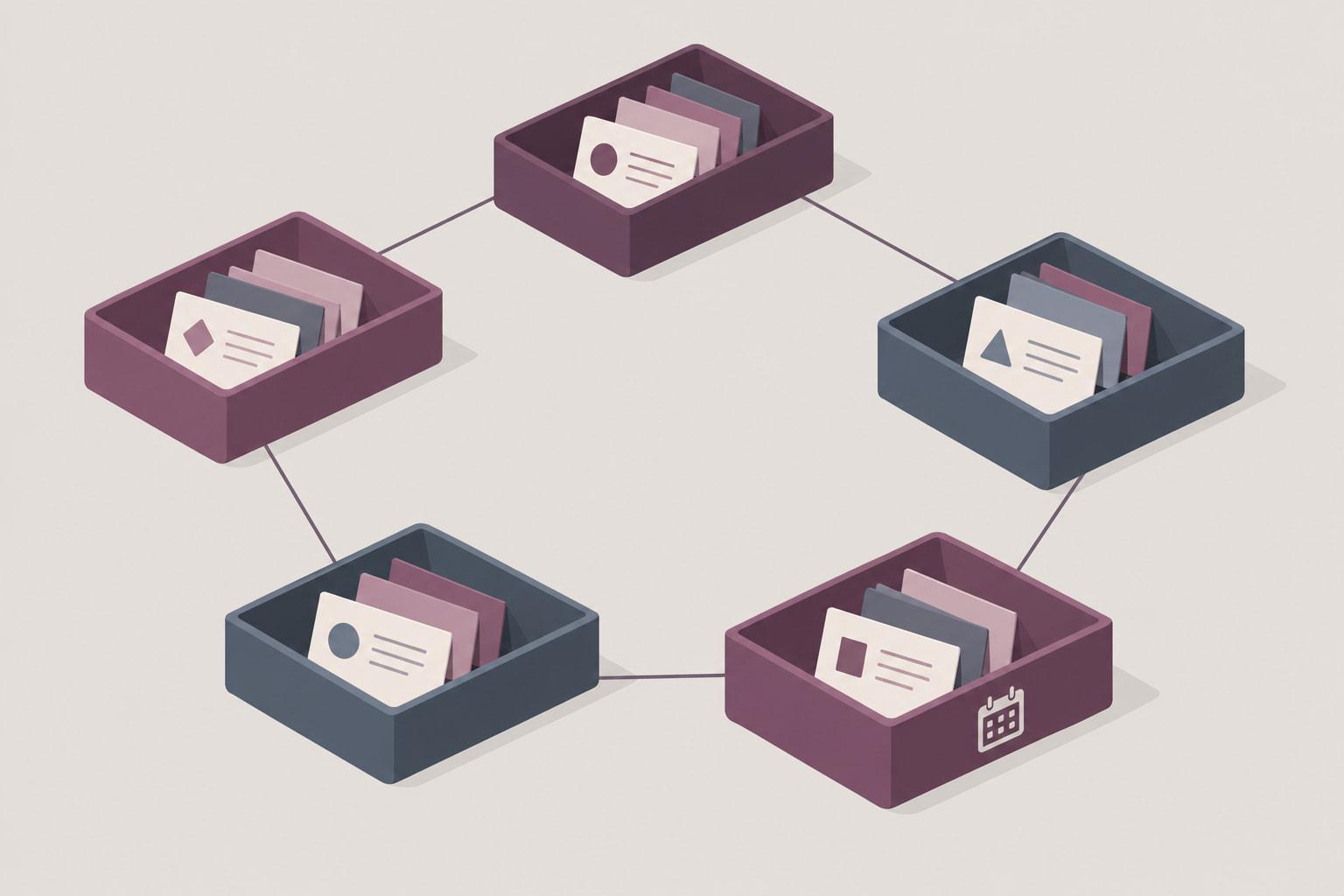
An Airtable free tier grant tracker can carry a small team's grants and report deadlines, as long as its tables match how grant work actually happens: funders give to programs through grants, and each grant brings a schedule of reports. A single table of applications captures the pipeline and misses the schedule of reports that follows each award.
This template uses five linked tables (Grants, Funders, Contacts, Programs and Reports), a short list of fields on each, four views and two automations. It can start on Airtable's Free plan, whose caps on records, editors, automation runs and history decide how long it can stay there. The free workbook matches it tab for tab, so importing it gives you the tables in one step and leaves you to set field types, links, views and automations.
Quick Answer: What Does Airtable's Free Tier Allow for a Grant Tracker?
An Airtable free tier grant tracker works within four caps: 1,000 records per base counted across all tables, 5 editors per workspace, 100 automation runs a month and 2 weeks of revision history (Airtable plans overview and automations guide, September 2026). Free stops being enough when you need more editors, longer history, or reminder emails to people outside the base.
Free download: Grant tracker base template (importable xlsx with field spec) as Excel .xlsx. No email address required.
Tracking these dates? GrantCue reminds you before each deadline and report you add. Track deadlines free
Airtable Grant Tracker Template: Five Tables and How They Link
The template splits grant work into five tables so that each fact is typed once: a funder's details live on one Funders record, and every grant with that funder links to it. Reports get their own table because a single award can owe many of them, and the grants lifecycle management guide shows where those reports fall between award setup and closeout.
Airtable's own Nonprofit grant tracker template takes a similar approach for applications. It tracks status with values "covering In progress, Next steps needed, Pending, Funded, and Denied," shows them on a Kanban "Funding Status pipeline view," links Grant Applications to "Foundations, Foundation Contacts, and Programs," and includes "Amount requested and Amount received fields" (Airtable template page, September 2026). If you only need an application pipeline, that template may be enough.
The Reports table is the main addition here. Federal rules explain why: performance report intervals "must be no less frequent than annually nor more frequent than quarterly except if specific conditions are applied" (2 CFR 200.329(c)(1), eCFR, current as of September 2026). Quarterly and semiannual reports are due no later than 30 calendar days after the reporting period, annual reports no later than 90, and the recipient's final report no later than 120 calendar days after the period of performance ends (2 CFR 200.328(c)-(d), eCFR, current as of September 2026). Each of those is a dated obligation with an owner, which is a record, not a note on the grant. Subawards run on the same pattern one level down: a subrecipient's final report to its pass-through entity is due no later than 90 calendar days after the period of performance ends (2 CFR 200.328(c)-(d), eCFR, current as of September 2026), and the pass-through duties guide covers the rest of that chain. What goes inside each report is a separate job, set out in the progress report template.
Teams moving from a one-sheet grant tracker will recognize the Grants table; the other four are what a single sheet cannot hold without repeating itself. If you are still deciding between a workbook and a base, the comparison of Airtable and Excel for grant tracking sets the two side by side.
Grant Tracker Fields, Table by Table
A grant tracker needs few fields, as long as every date and amount has its own field and every relationship is a link. The workbook's Grants and Reports tabs carry these columns, and its Field Spec tab lists the type to set for each one after import.
The federal fields mirror what an award must state. Among 16 items, each federal award must give the "Unique Federal Award Identification Number (FAIN)," the "Period of Performance Start and End Date," the "Budget Period Start and End Date" and the "Assistance Listings Number and Title" (2 CFR 200.211(b), eCFR, current as of September 2026). The workbook has no budget period fields, so add a start date and an end date field if you track budget periods.
The three smaller tabs stay short. Funders carries Funder name, Funder type (Foundation, Agency, Company or Pass-through entity), Website, Relationship owner, Last contact and Notes. Contacts carries Contact name, Funder, Role, Email, Phone, Last contact and Notes. Programs carries Program name, Program lead and Description. Rename the Grants status values to match the words your team already uses; the guide to grant lifecycle stages is a starting point if you have none.
Views for the Pipeline, Report Due Dates and Each Owner
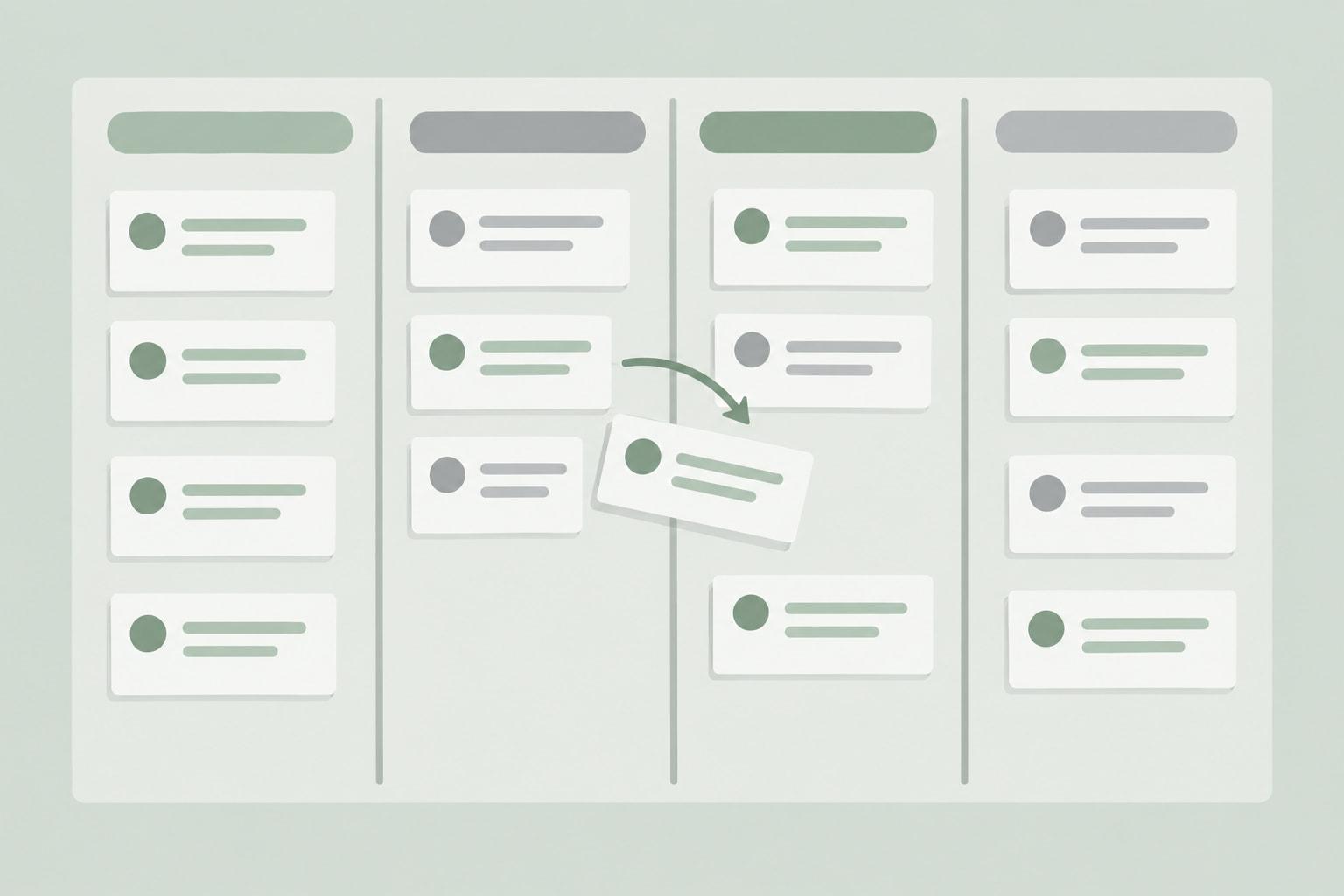
Views are built in Airtable after import, since a workbook cannot carry them, and four cover most of a grant team's week. Each answers one question someone asks every Monday.
The first is a Kanban view of Grants grouped by Status, the same shape as the "Funding Status pipeline view" in Airtable's own template (Airtable template page, September 2026). It answers what is in the pipeline and where each application stands, and the guide to running a grant pipeline covers how to keep the columns honest.
The second is a grid view of Grants in Researching or Drafting, sorted by application deadline. It answers which applications are due to funders next.
The third is a grid view of Reports that are not yet Submitted, sorted by due date, with the internal draft date beside the funder's date. It answers what is owed on awards already won. Keeping two dates per report is deliberate: the internal date is the one your team works to, and the funder's date is the one you cannot miss.
The fourth is an owner view: Reports filtered to one person, with a matching view on Grants if that person also runs applications. It answers what is mine. Build one per person, named for that person.
Leadership may want a simpler page than a grid. Interface Designer, which builds those pages, is available on "All plan types/levels," with one limit: "The timeline visualization is only available on paid Airtable plans" (Airtable Help Center, Interface Designer overview, September 2026).
Automations That Remind Owners Before Reports Are Due
Two automations turn the Reports table into reminders, and both use triggers Airtable documents: "When a record matches a condition" and "At a scheduled time" (Airtable Help Center, automations guide, September 2026).
The first fires "When a record matches a condition" on the Reports table: set the condition on the internal draft date and a status other than Submitted, and add a send-email action addressed to the report's owner. The owner hears about the report while there is still time to draft it.
The second runs "At a scheduled time," weekly, and emails the grants lead a reminder to open the report view and clear anything overdue. It is a backstop for anything the first automation misses, such as a report added late or a date changed after its reminder went out.
Plan limits decide who can receive those emails. On Free the "Send email action can only email collaborators on the base, not arbitrary email addresses," and "Run a script action is unavailable" (Airtable Help Center, automations guide, September 2026). On Team the send-email action can reach 100 unique non-collaborator addresses per day (Airtable Help Center, September 2026), which matters if a program lead outside the base owns a report.
Runs are the other budget. Free includes 100 automation runs per workspace per month and Team 25,000, the count resets "on the first day of each month," and "both failed and successful automation attempts will count" (Airtable Help Center, automations guide, September 2026).

Airtable Free Tier Grant Tracker: What Fits Under the Limits
Whether this template can stay on Airtable's Free plan depends on four limits: the record cap, the editor limit, automation runs and the two-week history. Free allows 1,000 records per base, and "your plan's record limit is cumulative over different tables" (Airtable plans overview, September 2026), so the Reports table counts toward the same total as Grants.
Source: Airtable plans overview, automations guide and pricing page (Airtable Help Center and airtable.com, read September 2026). Free also limits a workspace to 5 collaborators with Editor or Creator permissions.
A composite year of records for a small team shows how far the record cap goes.
Illustrative figures, not data from a real organization.
At 241 records a year, the base stays under 1,000 for four years and passes it during the fifth. The automations fit as well: if each report triggers one reminder, the 120 reports average 10 runs a month, and the weekly backstop adds 4 or 5 more, well inside Free's 100 runs a month. When the base reaches the record cap, "you'll still be able to use your bases and we will never remove your data," but "you will not be able to add more records or attachments until you upgrade to a new plan" (Airtable pricing page, September 2026).
The other Free limits matter sooner. Free workspaces "are limited to 5 collaborators with Editor or Creator permissions" (Airtable plans overview, September 2026), attachment storage is 1GB per base, and revision and snapshot history is "2 weeks" against "1 year" on Team (Airtable plans overview, September 2026). Two weeks is short for a tracker: a changed due date from last month has already dropped out.
Where a Free Base Stops Being Enough
A free base stops being enough at the first of five moments: a sixth person needs to edit, a report owner outside the base needs reminder emails, someone needs to see a date that changed more than two weeks ago, reminders and backstops pass 100 runs in a month, or the base nears 1,000 records (Airtable plans overview and automations guide, September 2026). At the illustrative pace above, the record cap is four years away, so the editor, reminder and history limits arrive first. Reaching the record cap removes nothing already saved: over the limit "we will never remove your data" (Airtable pricing page, September 2026).
Team costs $24 per collaborator per month billed monthly or $20 billed annually (Airtable plans overview, September 2026). Qualifying nonprofits get "a 50% monthly discount per user on Team plans," which brings Team to $12 per user per month or $144 per user per year, and "The annual plan discount does not apply to workspaces receiving our nonprofit discount" (Airtable Help Center, nonprofit plans, September 2026). Read-only collaborators are not billed on Team (Airtable pricing page, September 2026), so finance or leadership can view the base without adding seats.

Importing the Workbook Into Airtable
The download is an Excel workbook built for import: six tabs named Grants, Funders, Contacts, Programs, Reports and Field Spec, each with a header row, two sample rows marked Sample on the data tabs, and no formulas. Airtable turns each tab into a table, since "Each workbook sheet is converted to its own table, and the sheet name is converted to the table name" (Airtable Help Center, Importing third-party data, September 2026).
- Download the workbook and keep the tab names, because they become your table names.
- Import the workbook into a new Airtable base.
- Open the Field Spec table, which lists every field with its table, the type to set, the allowed values and the table it links to. Set each field's type to match, and turn Funder, Program and Grant into links to their tables.
- Delete the two sample rows from each of the five data tables.
- Delete the Field Spec table once the types are set; it otherwise counts toward the record limit.
- Enter one award you already hold, build the four views and the two automations, then invite collaborators.
Load live data one table at a time, starting with Funders, so that links from Grants have something to point at. Keep spending out of the base: a budget-to-spending tracker for each grant handles that job with formulas the base does not need.
Plan the exit when you plan the entry. Airtable exports records "from any grid view as a CSV file," and each table must be exported as its own CSV, since exporting an entire base as a single file is not supported (Airtable plans overview, September 2026).
That CSV is also the bridge if the base later moves to a grant platform. GrantCue includes CSV and Excel import and export and a calendar feed for deadlines on every plan, Free included (grantcue.com pricing, October 2026). It has no Airtable connector, so the move is a CSV export of the Grants table followed by an import; plan limits are on the GrantCue pricing page.
FAQ
Does Airtable Have a Grant Tracker Template?
Yes. Airtable publishes a Nonprofit grant tracker template whose status field covers "In progress, Next steps needed, Pending, Funded, and Denied," with a Kanban "Funding Status pipeline view" and links from Grant Applications to "Foundations, Foundation Contacts, and Programs" (Airtable template page, September 2026). It tracks applications. For report schedules on awards you have already won, add a Reports table with one record per report due.
Is Airtable's Free Tier Enough for a Grant Tracker?
Only within its caps. Free allows 1,000 records per base counted across all tables, 5 editors per workspace, 100 automation runs a month and 2 weeks of revision history (Airtable plans overview and automations guide, September 2026). Two weeks of history is short for a tracker, since a date changed last month has already dropped out. Over the record cap you keep your data but cannot add records until you upgrade (Airtable pricing page, September 2026).
How Do You Import an Excel Workbook Into Airtable?
Import the workbook into a new base, and Airtable converts each sheet to its own table, using the sheet name as the table name (Airtable Help Center, September 2026). Name your tabs the way you want your tables named before you import. After import, set each field's type, turn relationship columns into links, and delete sample rows and any setup table you no longer need.
Can Airtable Send Reminder Emails for Grant Reports?
Yes, through automations. A trigger such as "When a record matches a condition" can start a send-email action as a report's internal draft date approaches (Airtable Help Center, September 2026). On Free, that email can go only to collaborators on the base. On Team it can reach 100 unique non-collaborator addresses per day, and runs count against a monthly limit per workspace (Airtable Help Center, automations guide, September 2026).
Should Reports Have Their Own Table in Airtable?
Yes, once an award owes more than one report. A federal award can owe quarterly or semiannual financial reports within 30 calendar days of each period, annual ones within 90, and a final report within 120 calendar days after the period of performance (2 CFR 200.328(c)-(d), eCFR, current as of September 2026). A Reports table gives each one its own due date, owner and status, linked to the grant, so a reminder can fire for each report.
Can You Export an Airtable Grant Tracker to Excel?
Yes, table by table. Airtable exports records "from any grid view as a CSV file," and each table has to be exported as its own CSV; a whole base cannot be exported as a single file (Airtable plans overview, September 2026). Excel opens each CSV, so a year-end archive of the tracker is one file per table, saved together with the date of export.
Load One Live Award Before You Build the Automations
Import the workbook, set the field types, and then enter one award you already hold: its funder, its program, the grant record and every report it owes through the end of the period of performance. Check that each report has an owner, a funder due date and an internal draft date.
Build the report reminder next and watch it fire once on a real record before you load the rest. If the email does not arrive, check the trigger condition and the Owner field before loading anything else.