Why Grant Trackers Fail (and How to Build One That Lasts)
Why grant trackers fail after staff turnover, typed-over formulas and missed report dates, and the design rules that keep a tracker working after its builder leaves.

In this article (9)
- Quick Answer: Why Do Grant Trackers Fail?
- The Churn Pattern Behind Failed Grant Trackers
- Root Causes Inside the Tracker
- Root Causes Around the Tracker
- How to Build a Grant Tracker That Lasts
- What a Dead Tracker Costs When Reports Come Due
- Spreadsheet, Work Tool or Grant Software: Which Survives Turnover?
- FAQ
- Run a Handover Test Before the Next Hire Starts
Ask why grant trackers fail and the person who inherited one can usually answer from memory. The file was built around its first owner's habits, the formulas broke when someone else edited them, and the dates that mattered most never made it into a cell.
The pattern repeats because each fix is another personal file. A tracker that lasts is designed for whoever inherits it next: owned by a role, protected where it breaks, dated where it changes, and able to reach people who never open it.
Quick Answer: Why Do Grant Trackers Fail?
Grant trackers fail when the next person cannot trust them. A new hire builds a personal file, shared formulas break or get typed over, one deadline per grant hides a schedule of reports, and nothing reminds anyone. Trackers that last are owned by a role, keep fixed columns, protect formulas, log dated changes and send reminders outside the file.
Tracking these dates? GrantCue reminds you before each deadline and report you add. Track deadlines free
The Churn Pattern Behind Failed Grant Trackers
The churn pattern is a cycle: a new hire builds a tracker around their own habits, uses it for a few months, and leaves it behind, and the next hire starts again. The file rarely dies from a single error. It dies because the next person cannot trust it.
One commenter in a Reddit thread reported "about 400 versions of a grant tracker," explaining that "Every new hire or person in a new position ends up making one" and "It then gets used for a few months before falling into oblivion" (Reddit thread 1qx3lpf, read September 2026). In the same thread, one commenter argued that "what they want is a database, not a spreadsheet," calling a homemade workbook "Easily broken by anyone else who uses it because the whole thing will have interdependent cell formulas" (Reddit thread 1qx3lpf, read September 2026). Two replies agreed, one adding "every single person after you will just make their own. Or break yours" (Reddit thread 1qx3lpf, read September 2026).
Another commenter in that thread questioned whether internal systems are worth building at all, saying internal grant databases "go out of date quickly, are time consuming to maintain, and they aren't really as helpful as people imagine they will be" (Reddit thread 1qx3lpf, read September 2026).
Read together, the reports describe a tracker that lives about as long as its builder stays in the role. The next person cannot tell what each column means, which cells are safe to edit, or which dates are still live, and building a new file feels faster than decoding the old one.
Capacity is not what these reports blame. An Excel worksheet holds "1,048,576 rows by 16,384 columns" (Microsoft Support, Excel specifications and limits, September 2026), far more than a grant portfolio fills. The causes they name are human ones: broken formulas, typed-over numbers, missing dates and missing reminders.
Root Causes Inside the Tracker
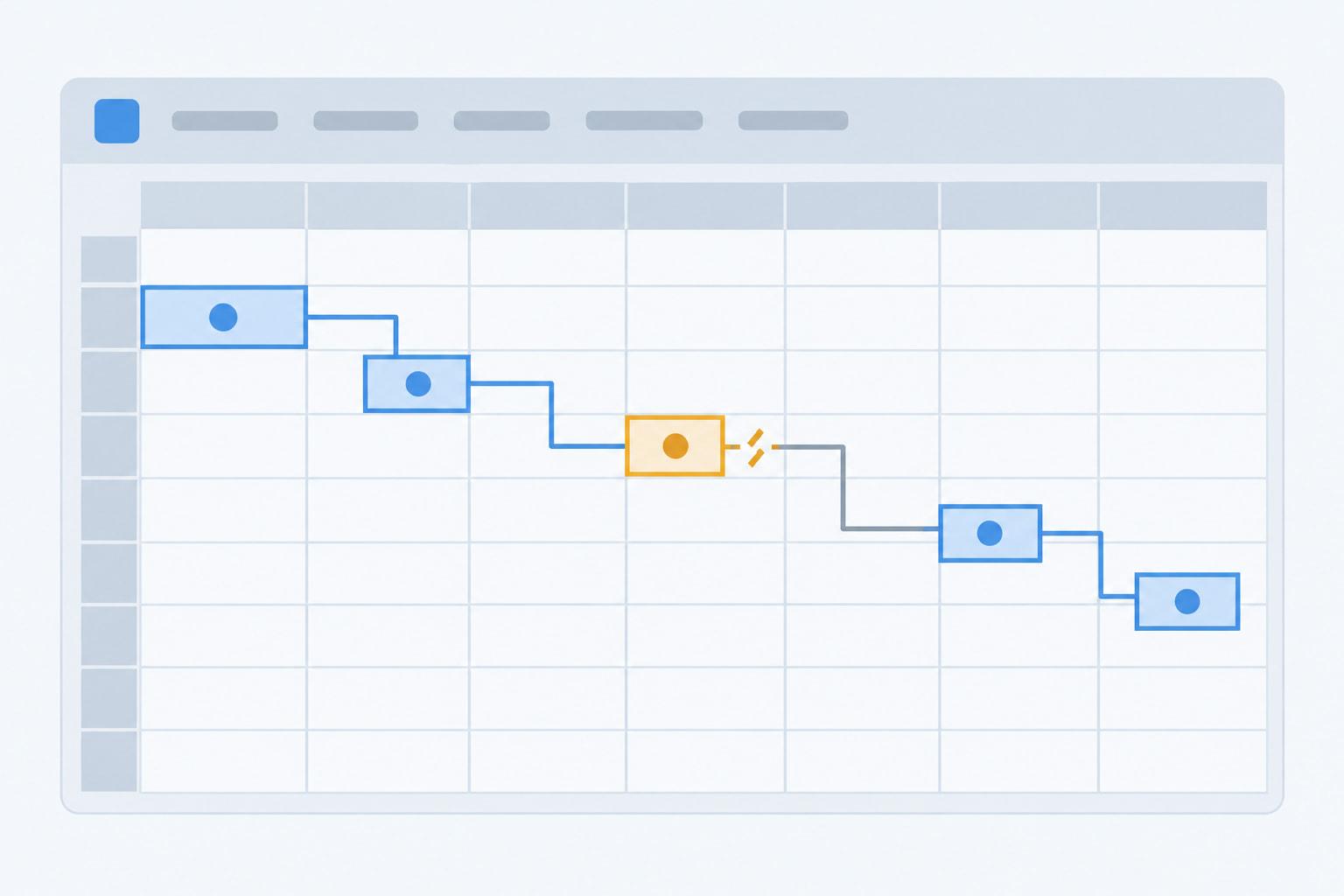
Three causes live inside the file itself: formulas that only their builder understands, one deadline per grant where a schedule belongs, and history that gets written over.
Formulas Nobody Else Understands
Formulas that depend on one another are fragile in shared hands, and typed numbers do the same damage faster. An accountant handling about 15 active grants and 6 FTEs reported on Reddit that the Excel sheet they inherited had become a mess after several people hard-coded numbers into it (Reddit thread 1vmiey8, read September 2026). ICAEW's principle 14, "Avoid using fixed values within formulas," targets the same failure (ICAEW, 20 principles for good spreadsheet practice, 2024 edition).
The builder cannot catch these alone. ICAEW's guide on reviewing spreadsheets cites research finding that "self-review catches only 34% to 69% of errors" (ICAEW, How to review a spreadsheet, read September 2026).
One Deadline Standing In for a Schedule
A single due-date column per grant misses most of the dates a grant produces. One commenter in a Reddit thread pointed out that every award generates a recurring set of reports (Reddit thread 1vydvxu, read September 2026). A grant writer juggling deadlines for several clients later concluded that the real problem went beyond the final deadline to "all the invisible mini-deadlines before it that nobody tracks" (Reddit thread 1szdg4j, read September 2026).
Federal awards make the schedule explicit. Financial reports come no less than annually and, unless a specific condition applies, no more often than quarterly, due 30 or 90 calendar days after each period, with a recipient's final report due no later than 120 calendar days after the period of performance ends (2 CFR 200.328(b)-(d), eCFR, current as of September 2026). Performance reports follow the same limits and due dates (2 CFR 200.329(c)(1), eCFR, current as of September 2026).
History That Gets Written Over
A tracker that overwrites values loses the history you report from. One reply in a thread about split-funded staff advised "one dated input table with employee ID, grant, percentage, effective start/end date, and who approved the change," because "Otherwise every new percentage update can rewrite the history you're relying on for grant reporting" (Reddit thread 1vmiey8, read September 2026). The same logic applies to due dates, amounts and stages; the payroll allocation template for multiple grants applies it to split-funded salaries. Built-in spreadsheet history helps, but it is short or partial, so a dated change row is the record that lasts.
Root Causes Around the Tracker
Two more causes sit outside the file: it cannot reach anyone who does not open it, and several editors working at once overwrite and lock each other out.
Nothing Reminds Anyone
A spreadsheet's reminder waits until someone opens the file, usually the person who already forgot, and one commenter in a Reddit thread counted "reminders, automations" among the features a team gains by moving past Excel (Reddit thread 1vydvxu, read October 2026). Built-in notifications are narrow. In Google Sheets, "You can only set up notifications for yourself," triggered when "Any changes are made" or "A user submits a form," and for more specific rules Google points users to Apps Script (Google Docs Editors Help, Manage your notifications, September 2026). Those triggers are edits and form submissions, so a due date passing unnoticed sets nothing off.
Several Editors, No Rules
When two co-authors change the same thing in Excel, the last change saved generally wins, and if one person opens the file in a version of Excel that does not support co-authoring, Microsoft warns that "everyone else will get the 'locked' error" (Microsoft Support, Collaborate on Excel workbooks at the same time with co-authoring, September 2026). Locked files breed copies, and copies breed disagreement about which one is current. ICAEW's principle 19 asks for backup and version control that "avoids the use of the wrong version" (ICAEW, 20 principles for good spreadsheet practice, 2024 edition).

How to Build a Grant Tracker That Lasts
A grant tracker lasts when it is designed for the person who inherits it. A role owns the file, a written page defines every column, formulas sit where nobody types, every report has its own dated row, and reminders reach owners who never open the file.
Peer review closes the gap self-review leaves. ICAEW's principle 18 notes that "Self-review is limited in how many errors can be identified due to the bias of reviewing one's own work," and recommends "a system of peer review" (ICAEW, 20 principles for good spreadsheet practice, 2024 edition).
Locks stop accidents, not intent. ICAEW's principle 20 warns that "many forms of spreadsheet access management or attempts to conceal sensitive data within a spreadsheet can be circumvented by a sufficiently competent user" (ICAEW, 20 principles for good spreadsheet practice, 2024 edition). Lock formula cells so nobody types over them by mistake, and use file permissions, not sheet locks, for anything that needs real protection.
Reminders need a system that sends them. Smartsheet lists "Reminders" on every plan (Smartsheet pricing page, September 2026), and Microsoft Lists rules can notify someone when "a date approaches," a trigger limited to two per list or library (Microsoft Support, Create a rule to automate a list or library, September 2026). A shared grant calendar beside the pipeline with each report date and its owner works too, provided someone keeps it in step with the tracker.
What a Dead Tracker Costs When Reports Come Due
Working without a tracker, or with an abandoned one, leaves report dates and record locations in people's heads, and those leave when the people do. The cost lands at the next report or the next audit.
The report dates keep coming whether or not anyone tracks them. Beyond the scheduled reports, 2 CFR 200.329(e) requires notice between reporting dates "When a significant development that could impact the Federal award occurs," including "problems, delays, or adverse conditions" (2 CFR 200.329(e), eCFR, current as of September 2026), which nobody can send without knowing who the program officer is and what the award promised.
The record trail matters longest. Recipients and subrecipients must "retain all Federal award records for three years from the date of submission of their final financial report" (2 CFR 200.334, eCFR, current as of September 2026), and 2 CFR 200.302(b)(3) states that "All records must be supported by source documentation" (2 CFR 200.302(b)(3), eCFR, current as of September 2026). Federal agencies, Inspectors General and the Comptroller General hold "the right of access to any records of the recipient or subrecipient pertinent to the Federal award," and those rights "last as long as the records are retained" (2 CFR 200.337, eCFR, current as of September 2026).
When a tracker dies, the only list of where those records sit can die with it. Before anyone who owns grant records leaves, the handover should produce three things for each award: the report schedule with owners, the location of the source documents, and the date the final financial report went in. A spending ledger for grants shows one way to tie each spending row to its source record.
Spreadsheet, Work Tool or Grant Software: Which Survives Turnover?
The tracker that survives turnover is the one the team already works in every day, with reminders that reach people who never open it. A spreadsheet, a work-management tool and grant software can each pass or fail that test. Whichever one you pick has to hold dates from every stage of the grants lifecycle, not only the application deadline.
ICAEW's principle 4 is "Determine if a spreadsheet is a suitable tool," and its examples are to "use a database if large quantities of similar data items need processing, or use a dedicated software package to undertake well established processes, such as bookkeeping" (ICAEW, 20 principles for good spreadsheet practice, 2024 edition).
Software fails too, in its own way. One commenter who tried a paid grant platform "realized a spreadsheet was so much easier," because "Their tool felt like yet another thing I'd have to log into to get to my work" (Reddit thread 1wiivcd, read September 2026). A tool nobody opens is a tracker that failed before it started. A commenter in another thread added that "who maintains it matters more than which one you pick," because "If one person builds the whole thing and then leaves, you are back to spreadsheets" (Reddit thread 1vydvxu, read October 2026).
The dividing line is who has to be reminded and how many people edit. One owner with a handful of awards can run a well-built spreadsheet plus a calendar. Several owners, several reports per award and records someone else will audit are where the case for moving grant tracking off spreadsheets gets strong.
For a team that loses its tracker with every departure, GrantCue keeps the dates out of any one person's file. Every plan, Free included, carries tasks and deadlines with reminders and a calendar feed, so a report date still reaches someone after a handover; it also includes CSV import for bringing an old tracker in and an activity log, the record a successor reads to see what moved (grantcue.com pricing page, October 2026). Its reminder and notification settings are described with the rest of the product.
FAQ
Why Does Every New Grant Manager Build a New Tracker?
Because the old one cannot be trusted without its builder. Column meanings live in one person's head, formulas depend on each other, and some cells hold typed numbers where formulas used to be. One commenter in a Reddit thread reported "about 400 versions of a grant tracker," with each new hire making one (Reddit thread 1qx3lpf, read September 2026). A Read Me tab and locked formulas help break the cycle.
Can a Spreadsheet Show Who Changed a Grant Deadline?
Partly. Show Changes in Excel for Microsoft 365 shows "who changed what, where, and when" for up to 60 days, and its reset option clears that history "for everyone using this workbook" (Microsoft Support, September 2026). Google Sheets shows a cell's edit history but warns that "Some changes might not show up in the edit history" (Google Docs Editors Help, September 2026). A change log tab with a dated row per change keeps the record as long as the file.
Why Do Spreadsheet Grant Trackers Miss Deadlines?
Because of two gaps in how they are built. One due-date column per grant hides the schedule of reports behind each award, and nothing reaches an owner who does not open the file. Google Sheets' built-in notifications go only to the person who sets them up and fire on edits or form submissions, not on dates (Google Docs Editors Help, September 2026). Give every report its own dated row, and send reminders from a shared calendar or a tool with date-based reminders.
How Do You Hand Over a Grant Tracker When Someone Leaves?
Start well before the last day. The leaver walks the successor through the Read Me tab, confirms every open report has an owner and an internal date, lists where each award's source documents sit, and records the final financial report date for any award in closeout. The successor then makes one change and logs it, to prove they can maintain the file alone.
Is Grant Software Less Likely to Fail Than a Spreadsheet?
Only if people use it. Software can send reminders and keep change history, but adoption is its own failure point. One poster at a large grant-funded nonprofit wrote that tracking "deadlines, reports, etc." in Excel "works fine," and described one work-management tool as neither "particularly user-friendly" nor "easy to export/import with excel" (Reddit thread 1vydvxu, read September 2026). Choose the tool your team will open daily.
Run a Handover Test Before the Next Hire Starts
Pick someone who did not build your tracker and give them the file with no briefing. Ask them to name every report due in the next month and its owner, the award number and period of performance for any active grant, where that grant's source documents are, and which cells they are allowed to edit.
Every question they cannot answer points to one row of the design table: a missing Read Me, a missing report row, a missing document link or unlocked formulas. Fix those gaps before the next hire arrives, then run the same test with the new hire in their first week.