Grant Proposal Library Software Free: Build Your Winning Proposal Arsenal Without Spending a Dime
Discover the best grant proposal library software free options that help nonprofits organize past proposals, build reusable content libraries, and streamline their grant writing process. This comprehensive guide explores how to leverage free tools to create a powerful proposal repository that saves time, improves consistency, and ultimately helps you win more funding for your mission.

Grant Proposal Library Software Free: Build Your Winning Proposal Arsenal Without Spending a Dime
Picture this scenario: Your executive director bursts into your office (or pings your Slack) at 4:47 PM on a Friday. "Remember that amazing program description we wrote for the Johnson Foundation last year? We need it for Monday's deadline!"
You feel your stomach drop. Was it in Google Drive? The shared folder? Your predecessor's laptop that got wiped six months ago? Or maybe—just maybe—it's buried somewhere in that 847-email thread titled "RE: RE: RE: Grant Stuff"?
If this scene feels painfully familiar, you're not alone. According to research from the Foundation Center, grant professionals spend roughly 40% of their time on administrative tasks rather than actual proposal writing. A huge chunk of that time evaporates into searching for past proposals, recreating boilerplate language from scratch, and hunting down budget templates that definitely existed somewhere at some point.
The solution? Grant proposal library software. The even better news? You can build an incredibly effective system without spending a single dollar.
What Exactly Is Grant Proposal Library Software?
Before we dive into the free tools that can transform your grant workflow, let's get crystal clear on what we're talking about.
Grant proposal library software is essentially a digital repository system that helps you store, organize, categorize, and retrieve your grant-related content. Think of it as a personal library where every book is a piece of content you've written—mission statements, program descriptions, budget narratives, logic models, staff bios, organizational histories, and those beautifully crafted outcome measurements you spent three days perfecting.
The magic happens when you need to write your next proposal. Instead of staring at a blank page wondering how to describe your after-school tutoring program (again), you simply pull up your library, grab the relevant content, and customize it for the new funder. What once took four hours now takes forty minutes.
A robust grant proposal library software system typically includes several key capabilities. First, there's centralized document storage—one place where all your grant content lives and breathes. Second, you need effective search functionality so you can actually find what you're looking for. Third, version control ensures you're working with the most recent iteration of your organization's narrative. Finally, categorization and tagging let you organize content by program area, funder type, or whatever taxonomy makes sense for your work.
Why Every Nonprofit Needs a Proposal Library (Yes, Even You)
Maybe you're thinking, "We only apply for five grants a year—do we really need this?"
Short answer: absolutely.
Here's the thing about grant writing that nobody tells you at orientation: repetition is your friend. Funders across the board ask remarkably similar questions. Your organization's mission statement appears in virtually every application. Your theory of change gets explained dozens of times. Your evaluation methods need describing again and again.
Without a library system, you're essentially reinventing the wheel with every application. With a library system, you're building on a foundation that gets stronger with each proposal you write.
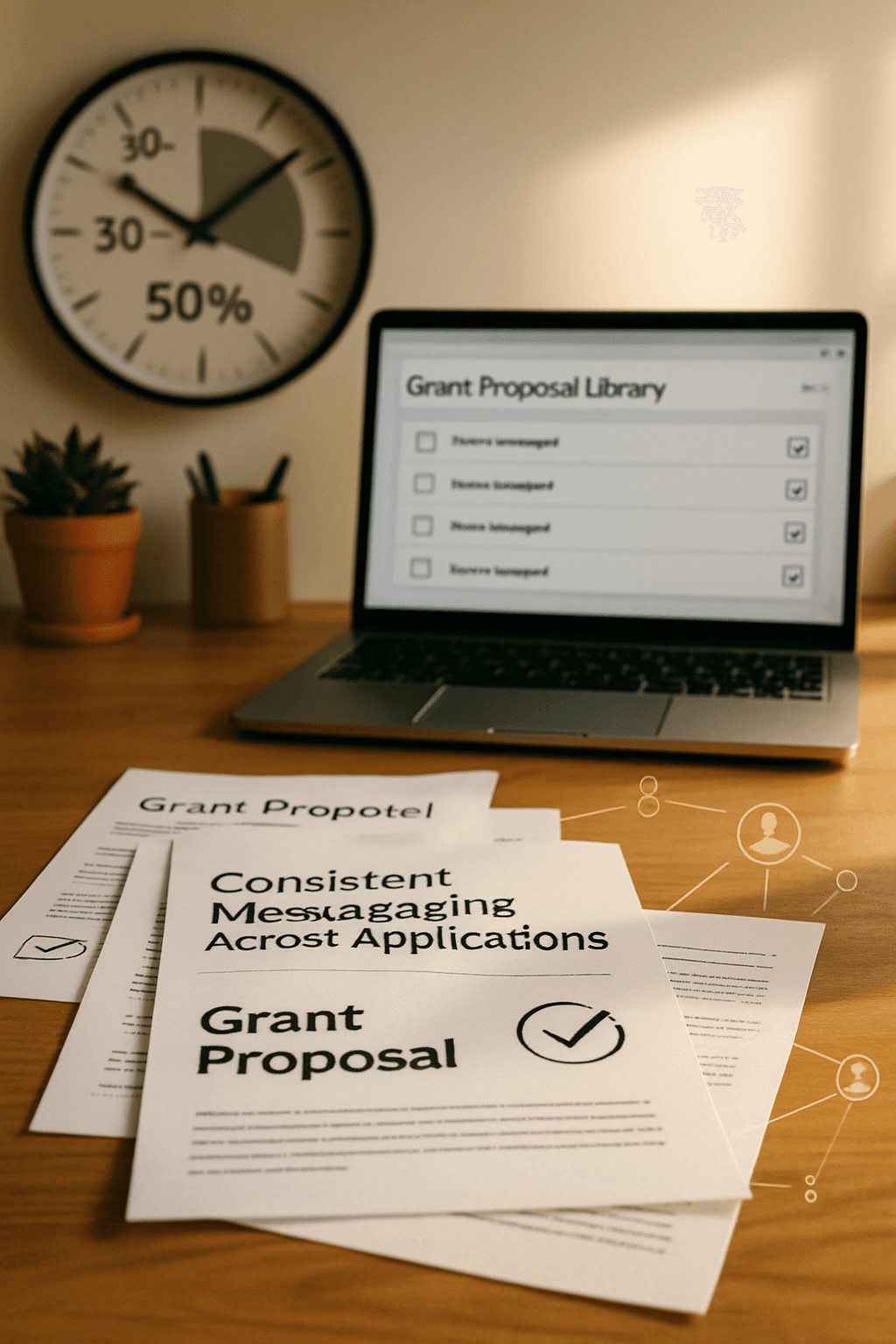
The benefits compound over time in ways that might surprise you. Teams that implement proposal libraries report reducing their proposal development time by 30-50%. But the time savings are just the beginning. Your messaging becomes more consistent across applications. New staff members can get up to speed faster. And perhaps most importantly, you create institutional memory that survives turnover—a precious commodity in the nonprofit sector where the average development professional tenure hovers around 16 months.
The Free Tools That Form Your Grant Proposal Library Software Stack
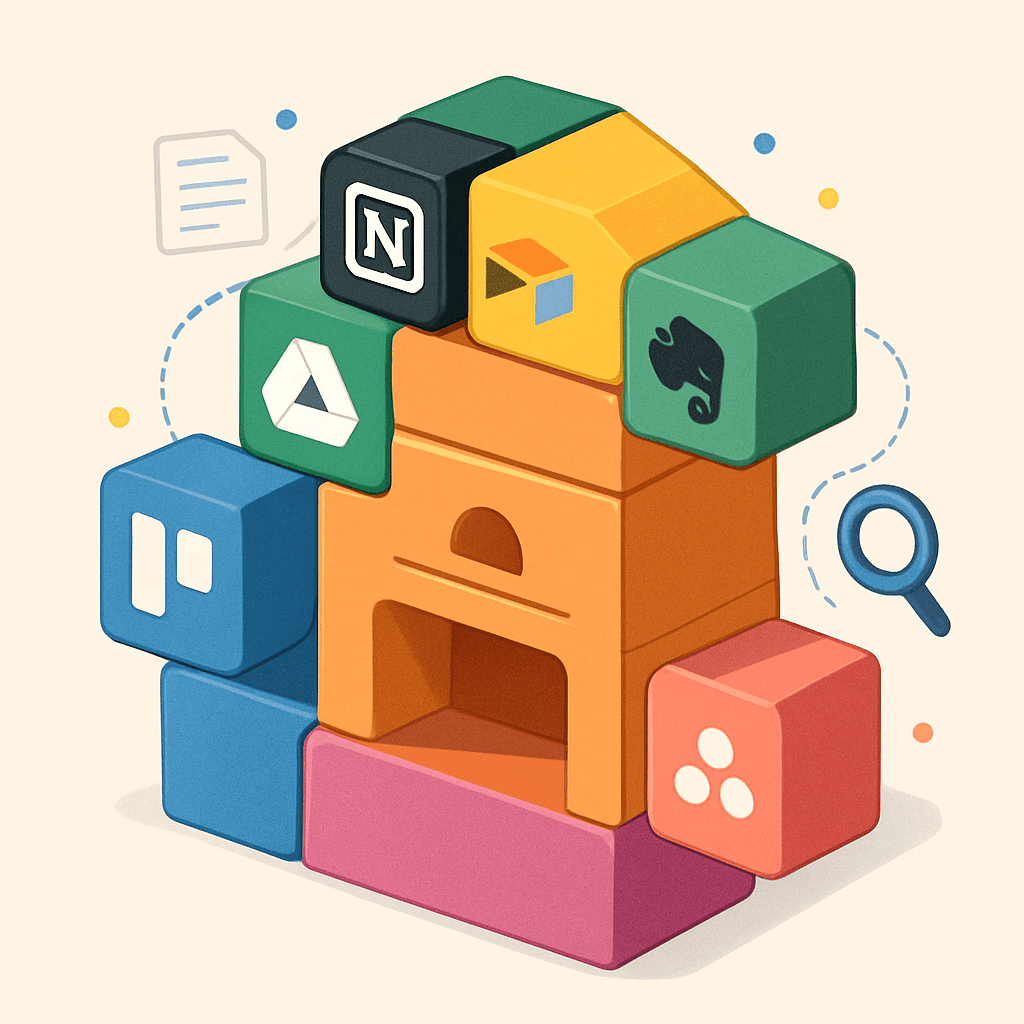
Now for the part you've been waiting for—the actual free tools you can start using today. The goal here isn't to prescribe a one-size-fits-all solution but to give you building blocks you can combine based on your organization's specific needs and technical comfort level.
Google Workspace: The Foundation of Many Free Libraries
Let's start with the tool that's probably already sitting in your digital toolkit: Google Workspace (formerly G Suite). The free tier provides everything most small to mid-sized nonprofits need to build a functional proposal library.
Google Drive gives you 15GB of free storage—enough for thousands of proposal documents. Google Docs allows multiple team members to collaborate in real time, leaving comments and suggestions that create a record of decision-making. Google Sheets can serve as your master index, tracking which content pieces exist, when they were last updated, and which proposals they've been used in.
The key to making Google Workspace work as grant proposal library software lies in your folder structure and naming conventions. Consider organizing your drive with these top-level folders: Boilerplate Content, Active Applications, Submitted Proposals, Funded Projects, and Templates. Within Boilerplate Content, create subfolders for different categories: Organization Overview, Program Descriptions, Budget Materials, Evaluation Methods, Staff Bios, and Supporting Documents.
Naming conventions matter more than you might think. A file called "Program Description" will get lost in the shuffle. A file called "2025_YouthMentoring_ProgramDescription_v3" tells you exactly what you're looking at and when it was updated.
Notion: The Rising Star of Content Organization
Notion has exploded in popularity among nonprofit teams, and for good reason. Its free tier supports unlimited pages for individuals and small teams, making it an excellent choice for building a searchable, linkable proposal library.
What makes Notion particularly powerful for grant proposal library software is its database functionality. You can create a content database where each entry represents a piece of boilerplate content—tagged by program area, content type, word count, and last updated date. When you need to find something, you filter the database instead of scrolling through folders.
Notion also excels at creating templates. Build out your standard proposal structure once, then duplicate it for each new application. Your boilerplate content links directly to the relevant database entries, creating a connected system where updates in one place flow through to everywhere that content appears.
The learning curve for Notion is steeper than Google Workspace, but the organizational capabilities reward the investment. Many users describe the "aha moment" when they realize they can build exactly the system their brain wants, rather than adapting their workflow to someone else's vision.
Airtable: When Your Library Needs Superpowers
If you want the organizational power of a database without learning SQL, Airtable deserves your attention. The free tier includes up to 1,000 records and 1GB of attachment storage—plenty for most proposal libraries.
Airtable shines when you need to track relationships between different pieces of content. Which staff bio has been sent to which funders? Which program description version performed best in funded proposals? Which budget template works for federal grants versus foundation applications? Airtable's linked records feature lets you build these connections visually.
You can also use Airtable as your grant tracking system alongside your content library. Create tables for Opportunities, Applications, Content Pieces, and Funders, then link them together. When you're preparing an application, you can see at a glance which content you've used with similar funders and how those proposals performed.
For teams ready to move beyond spreadsheets but not quite ready for dedicated grant management software, Airtable hits a sweet spot of power and accessibility.
Trello and Asana: Project Management Meets Content Library
Traditional project management tools might not seem like obvious choices for grant proposal library software, but hear me out. Both Trello and Asana offer free tiers that can be cleverly repurposed for content management.
In Trello, create a board called "Proposal Library" with lists representing your content categories. Each card becomes a piece of content—you can attach documents, add detailed descriptions, apply labels for additional categorization, and include checklists of where that content has been used.
The visual, drag-and-drop nature of Trello makes it particularly accessible for teams where not everyone is tech-savvy. There's something intuitive about seeing your content laid out like a kanban board, and the search functionality works surprisingly well for finding specific pieces.
Asana takes a similar approach but offers more robust organizational features in its free tier. You can create projects for different content categories, use sections to subdivide further, and leverage Asana's timeline view to track when content was last updated and when it needs refreshing.
Evernote: The OG of Digital Note-Taking
Evernote has been around long enough to remember when "cloud storage" still sounded futuristic, and it remains a solid choice for building a personal proposal library. The free tier limits you to one device plus web access and 60MB of monthly uploads, but that's workable for many individual grant writers.
Where Evernote excels is its search capability, particularly for scanned documents and handwritten notes. If you have boxes of old proposals in paper form, Evernote can help you digitize and search that institutional knowledge. Its web clipper also makes it easy to save funder guidelines and research materials alongside your proposal content.
For solo grant writers or consultants who work with multiple organizations, Evernote's notebook structure provides a clean way to keep client content separate while maintaining one unified search interface.
Building Your Library: A Practical Implementation Guide
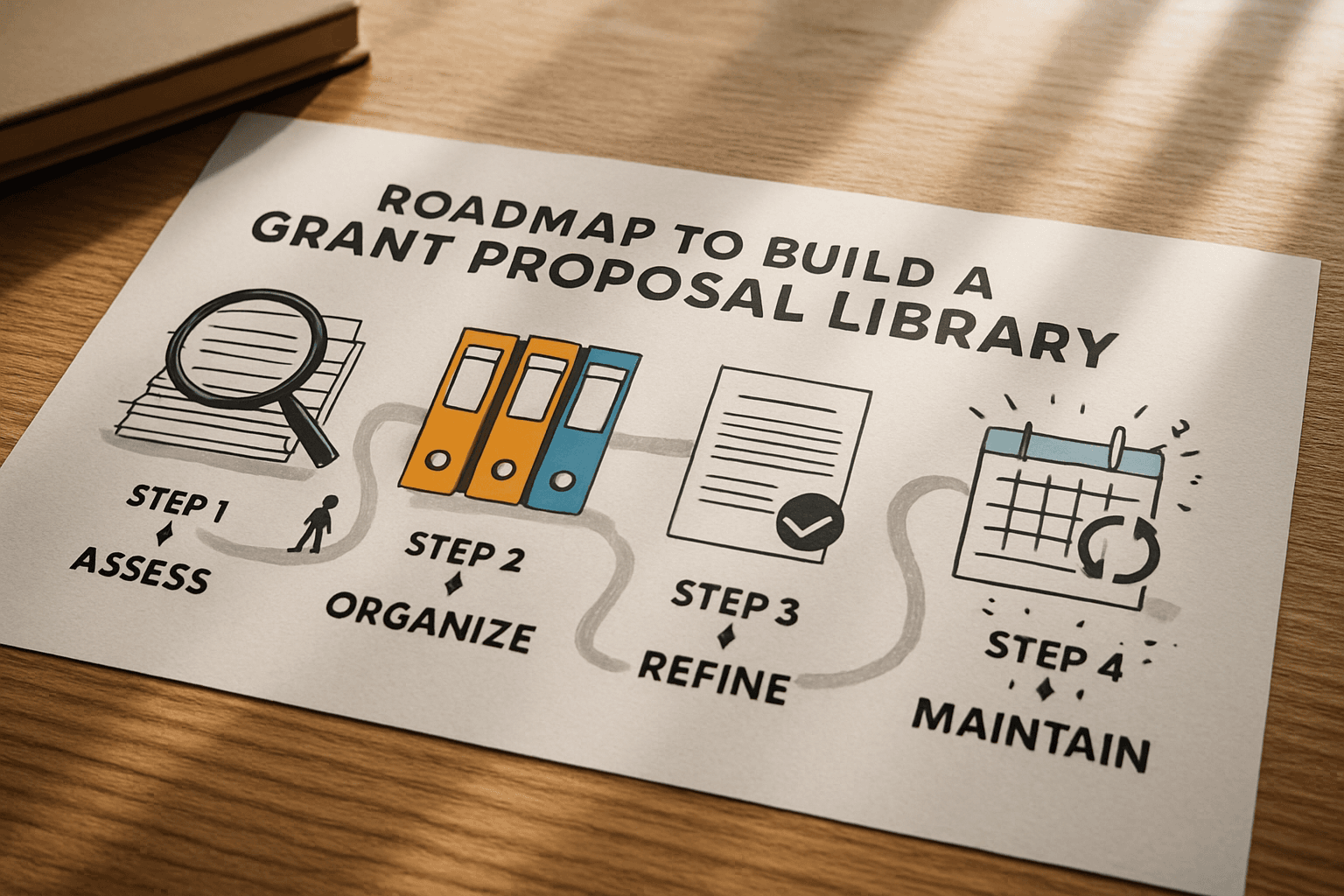
Having the tools is one thing; using them effectively is another. Here's a step-by-step process for building out your grant proposal library software system from scratch.
Step One: Audit Your Existing Content
Before you start organizing, you need to know what you have. Set aside two to three hours to dig through your existing files—email attachments, shared drives, that USB drive in your desk drawer, everywhere. Create a simple spreadsheet listing every piece of grant-related content you find, noting what it is, how current it is, and how usable it might be.
This audit often surfaces surprising finds. Maybe your predecessor wrote a beautiful organizational history that's been sitting forgotten in an archive folder. Maybe you have three different versions of your mission statement being used inconsistently. The audit gives you a foundation to build from.
Step Two: Define Your Categories
Based on your audit and your typical grant applications, decide how you want to organize your library. Common categories include organizational overview content like mission statements and history, program descriptions for each major initiative, evaluation and outcomes materials, budget templates and financial narratives, staff qualifications and bios, letters of support and partnership documentation, and compliance materials like 501c3 letters and audit findings.
Your categories should reflect how you actually work. If you primarily apply for education grants, you might want more granular categories for different educational programs. If you work across multiple program areas, broader categories might work better.
Step Three: Standardize Your Best Content
Now comes the real work. For each category, identify your best existing content and refine it into your "master" version. This isn't about perfection—it's about creating a strong starting point that you can customize for individual funders.
Pay special attention to word count. Many grant applications have strict limits, so having your mission statement available in 25-word, 50-word, and 100-word versions saves scrambling later. Same goes for program descriptions—a one-paragraph summary, a half-page overview, and a two-page detailed description give you flexibility.
Step Four: Establish Update Protocols
A proposal library is only valuable if it stays current. Decide now who's responsible for updating content and how often reviews will happen. Many organizations find that quarterly reviews work well—frequent enough to catch outdated information, infrequent enough to be sustainable.
Consider creating a "content freshness" indicator in whatever tool you choose. A simple system—green for current, yellow for needs review, red for definitely outdated—helps everyone know at a glance what they can trust.
Taking Your Library to the Next Level
Once you've built your foundation with free tools, you might find yourself wanting more robust functionality. This is where purpose-built grant management platforms enter the picture.
Modern grant management software typically includes built-in proposal libraries alongside features like opportunity tracking, deadline management, and team collaboration. The advantage of an integrated system is that your content library connects directly to your application workflow—when you start a new proposal, your relevant boilerplate content is already there, ready to customize.
Platforms like GrantCue combine AI-powered proposal writing assistance with document management, creating a system where your library actually helps generate new content rather than just storing old content. The AI learns your organization's voice and can suggest relevant passages from your library when you're drafting new proposals.
For organizations managing significant grant portfolios, the time savings from integrated systems often justify the investment. But for those just starting out or working with limited budgets, the free tools we've discussed can absolutely get the job done.
Common Pitfalls (And How to Avoid Them)
Building a grant proposal library software system isn't complicated, but there are some common mistakes that undermine even well-intentioned efforts.
The "Everything Must Be Perfect" Trap: Don't let perfectionism prevent you from starting. A rough organizational system that exists beats a perfect system that never gets implemented. You can refine as you go.
The "One Person Knows Where Everything Is" Problem: If your library lives in one person's head, it's not really a library—it's a risk. Document your organizational system, use clear naming conventions, and make sure multiple team members understand the structure.
The "Set It and Forget It" Mistake: Libraries require maintenance. Block time on your calendar for regular content reviews. Outdated content is sometimes worse than no content because it creates a false sense of confidence.
The "Too Many Tools" Chaos: Resist the temptation to use every tool mentioned in this article simultaneously. Pick one primary system and commit to it. You can always migrate later if something isn't working.
Connecting Your Library to Your Broader Grant Strategy
A proposal library doesn't exist in isolation—it's one component of a healthy grant management ecosystem. The grant lifecycle includes discovery, application, implementation, and reporting phases, and your library supports all of them.
During discovery, your library helps you quickly assess whether an opportunity is worth pursuing. Can you pull together a strong proposal from existing content, or would this grant require building everything from scratch? That assessment influences your go/no-go decision.
During application, your library accelerates the writing process and improves consistency. Multiple team members can work on different sections knowing they're drawing from the same source of truth.
During implementation and reporting, your library becomes the reference point for what you promised to do. When it's time to write that progress report, you can compare your actual results against the outcomes you proposed.
For teams using visual grant pipelines, the proposal library integrates naturally. As opportunities move through your pipeline stages, relevant content from your library can be attached at each step.
The Bottom Line on Free Grant Proposal Library Software
You don't need to spend hundreds of dollars per month to build an effective grant proposal library system. The free tools available today—Google Workspace, Notion, Airtable, Trello, Asana, Evernote, and others—provide all the functionality most nonprofits need to organize their content, streamline their writing process, and ultimately win more grants.
The key is choosing tools that match your team's technical comfort level and committing to consistent use. A simple Google Drive structure maintained religiously beats an elaborate Notion database that nobody updates.
Start where you are. Audit what you have. Build incrementally. And remember that every hour you invest in your library system today saves multiple hours on every proposal you write in the future.
Your future self—staring at a Friday deadline with a confident smile because they know exactly where that perfect program description lives—will thank you.
---
Ready to take your grant management to the next level? Explore GrantCue's features to see how AI-powered tools can complement your proposal library and help your team discover and win more federal grants.